Make 3D character videos on your phone
Nova Animate 3D is a free 3D animation maker that opens in your browser. Pick a 3D character, line up its moves, give it your voice or let it copy your face, choose a place and a camera, and download a video for Reels, Shorts or WhatsApp status. No install, no sign-up, and nothing is uploaded.
- No install
- No account
- Nothing is uploaded
- Made on your phone
- 83D characters
- 10moves
- 6places
- 5cameras
- 60 slongest video
Meet the cast
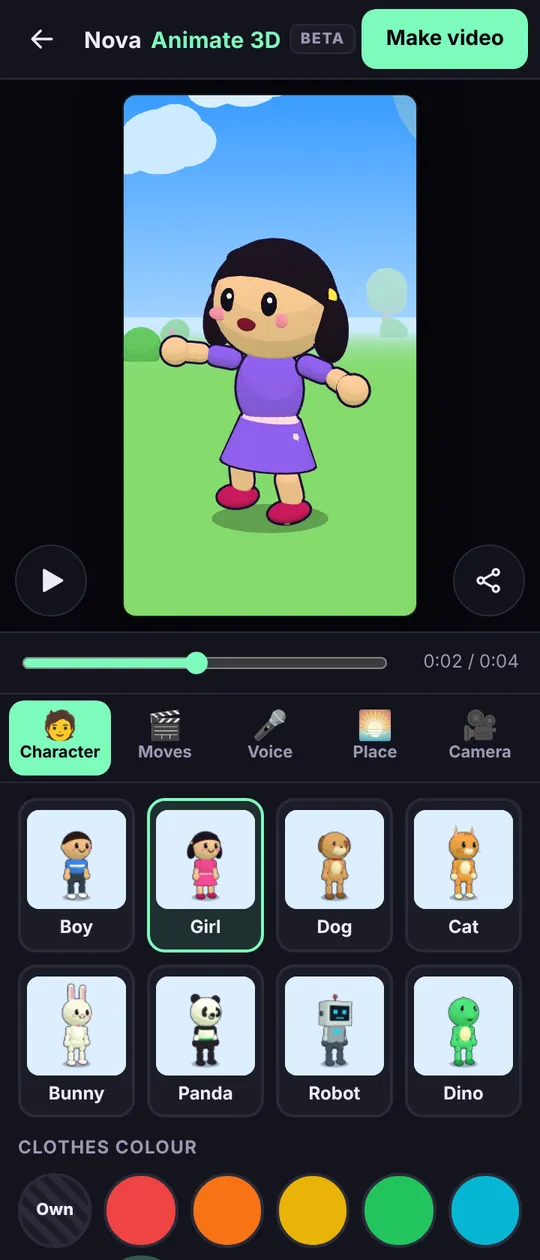
8 3D characters, all in one friendly style. Tap one and it appears in the preview at once; the picture you see while you edit is the same drawing that goes in your video. Change the colour of its clothes, too: 10 colours, or its own.
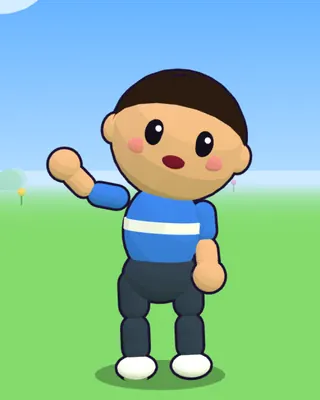
Boy 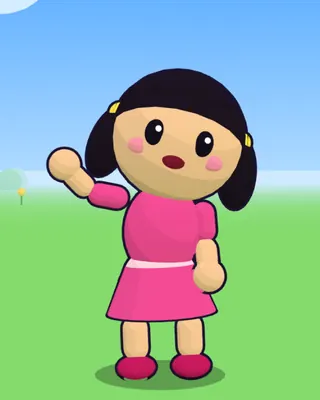
Girl 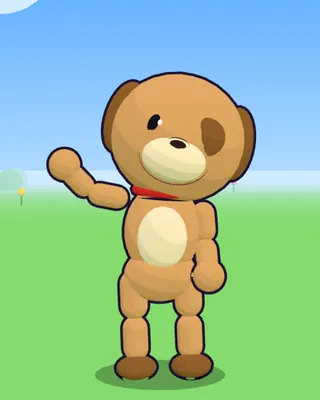
Dog 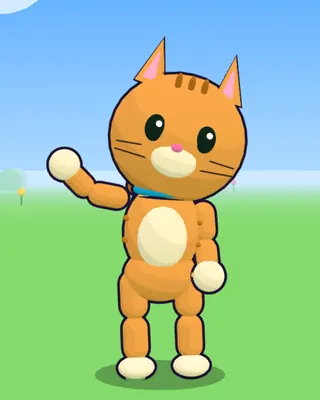
Cat 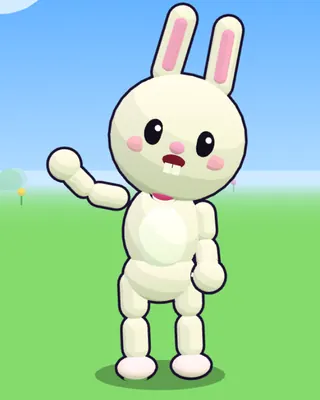
Bunny 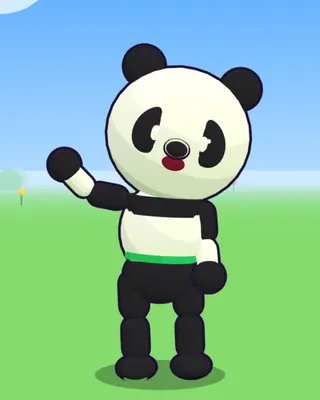
Panda 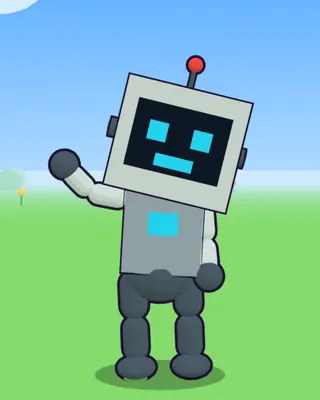
Robot 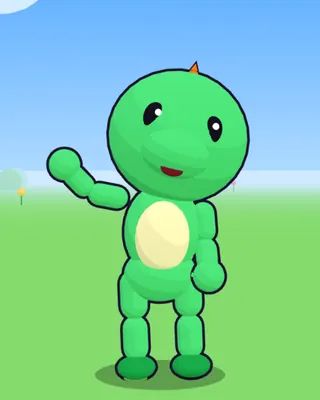
Dino
Move the row sideways to see them all.
Make a video without drawing a thing
You do not draw. You choose: a character, its moves, a voice, a place and a camera. Nova Animate 3D does the rest, on your phone.
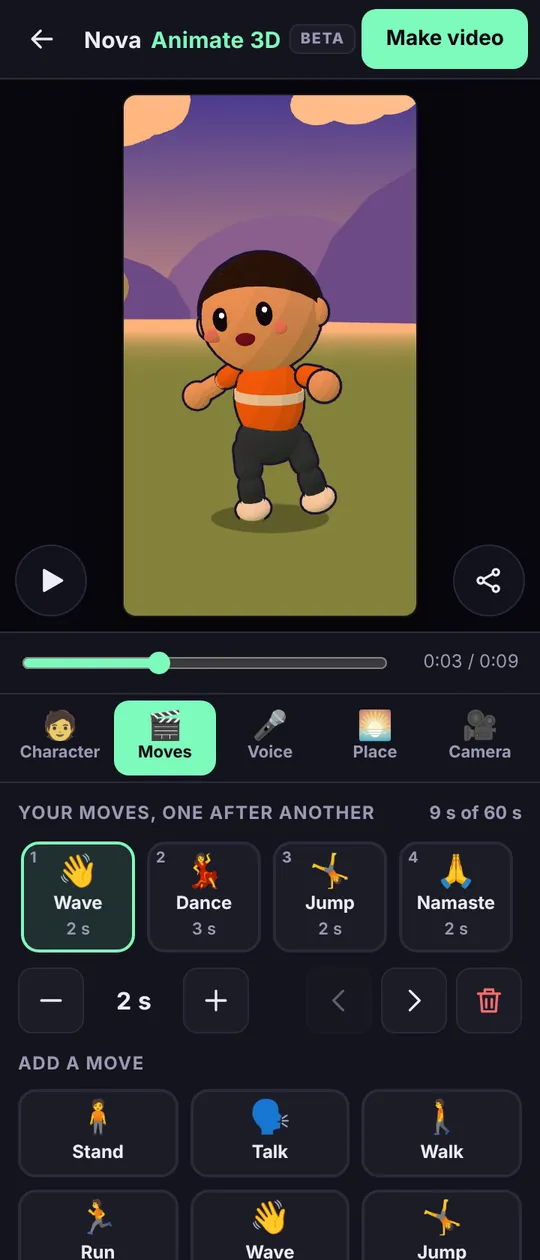
Line up moves, one after another
Tap a move to add it to your video. Each one can be made shorter or longer in half-second steps, moved earlier or later, or deleted. The character glides from one move into the next, so nothing jerks.
- Stand
- Talk
- Walk
- Run
- Wave
- Jump
- Dance
- Clap
- Namaste
- Sleep
- Up to 40 moves and 60 seconds in one video.
- When the character walks or runs, it stays in the picture and the place goes past it, so it never leaves the frame.
- Wave, Dance, Clap and Namaste for greetings, wishes and celebrations.
Give it a voice, or let it copy your face
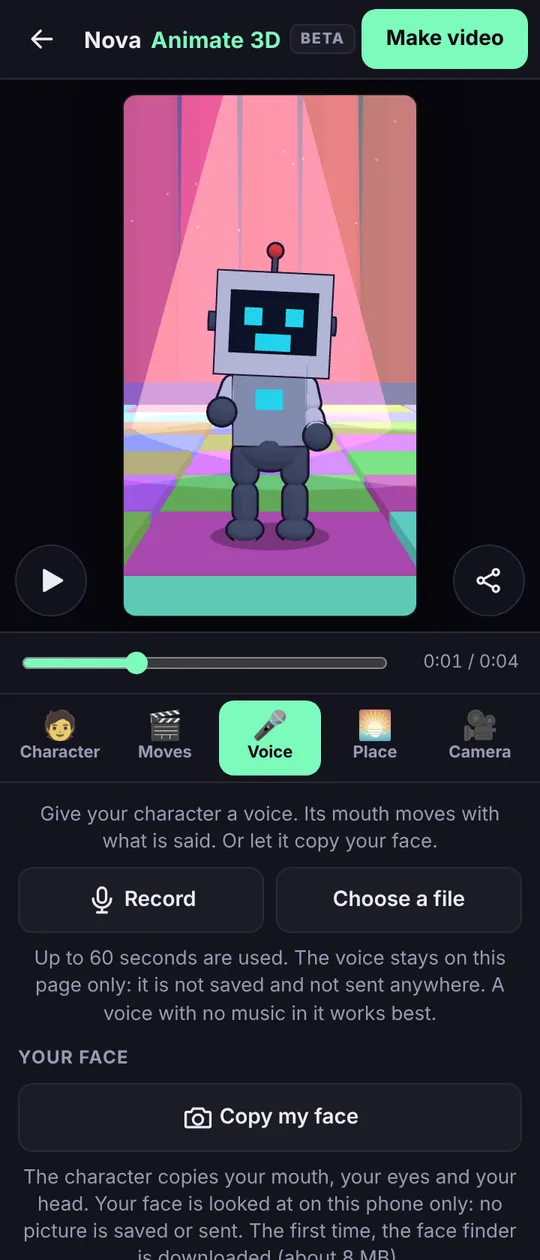
Record your voice, or choose a sound file of up to 60 seconds, and the character talks: its mouth opens when the voice is loud and shuts in the pauses, and its head nods a little. It follows how loud the voice is, not the words, so it works in Hindi, English or any other language.
Or tap Copy my face: the front camera sees you, and the character copies your mouth, your eyes and your head, as in a mirror. Record a performance of up to 60 seconds, with your voice or to a song.
- Your voice stays on the page: it is not saved and not sent anywhere.
- Your face is looked at on your phone only: no picture of the camera is saved or sent. The first time, a face finder of about 8 MB is downloaded.
- A voice with no music in it works best.
Choose a place and a camera
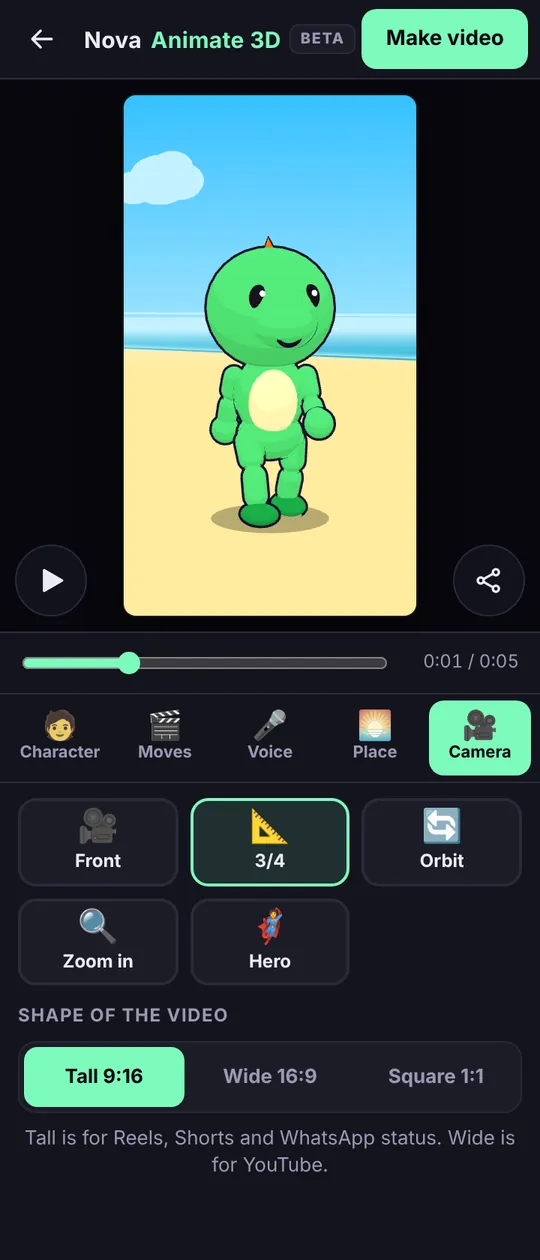
Put your character in one of 6 places: Sunny day, Sunset, Night, Beach, Snow and Stage. Then choose how the camera sees it.
- Front looks straight at it, 3/4 looks from a corner, Orbit goes once around it, Zoom in comes slowly closer and Hero looks up from low down.
- Three shapes for the video: tall 9:16 for Reels, Shorts and WhatsApp status, wide 16:9 for YouTube, or square 1:1.
- The whole character fits in the picture in every shape and with every camera.
The 6 places
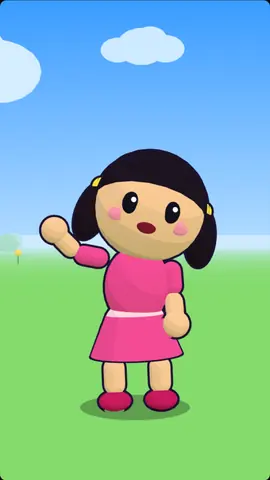
Sunny day 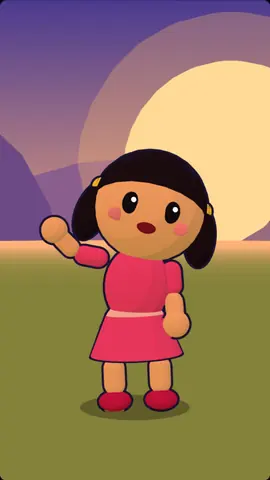
Sunset 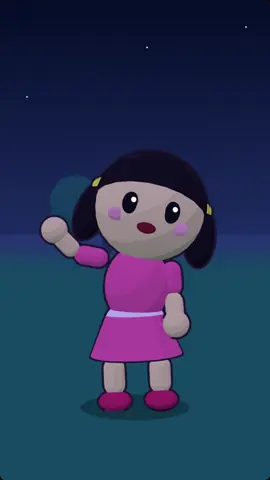
Night 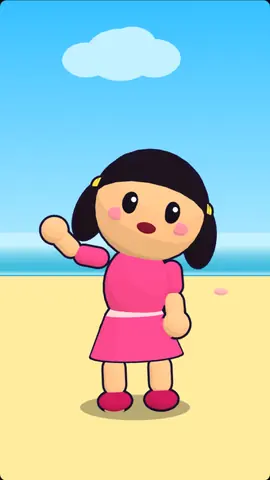
Beach 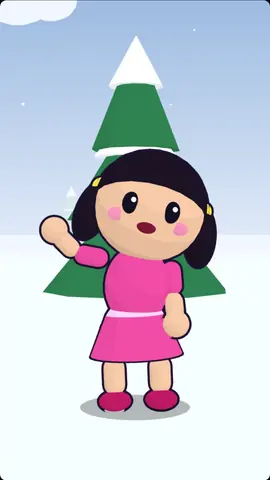
Snow 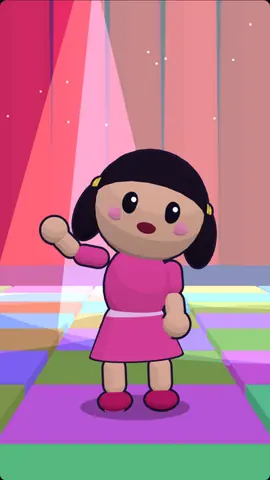
Stage
Move the row sideways to see them all.
Make the video on your phone, then send it
Tap Make video, choose Standard or HD, and keep the screen open until it is ready. You get an MP4 on phones that can make one (otherwise WebM), with buttons to Download it and Share it from your phone’s share menu, and one that sends it to the Nova Clip editor to add music and text.
Tap the round Share button on the preview for a link to the video itself. A friend who opens it sees the same video and can change it into their own. The link holds only your choices (the character, its clothes, the place, the camera and the moves), so there is no picture, voice or face in it, and nothing is uploaded.
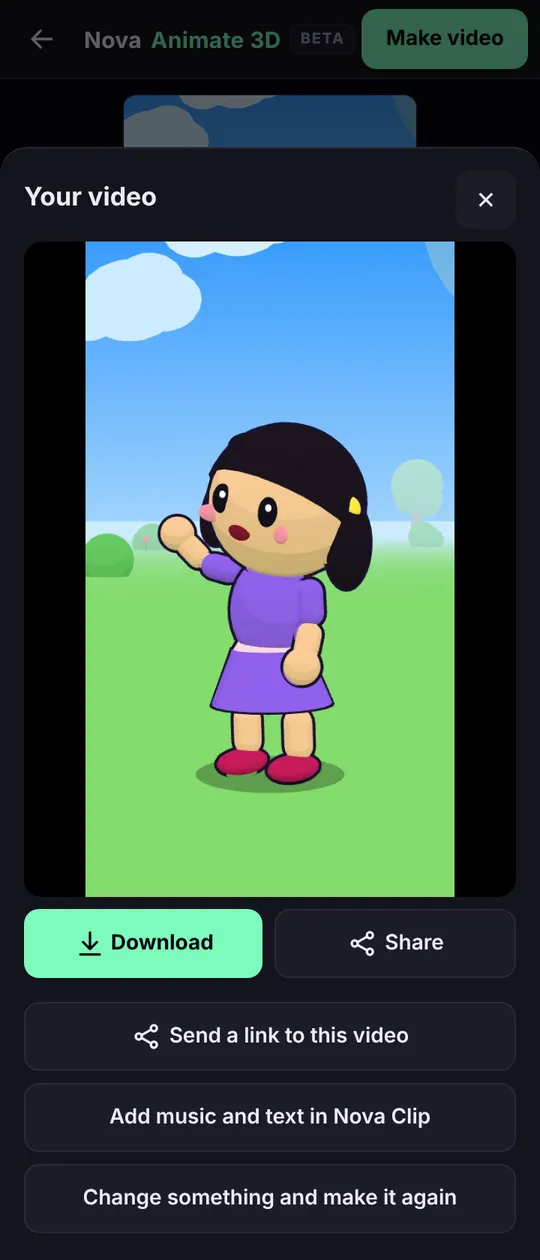
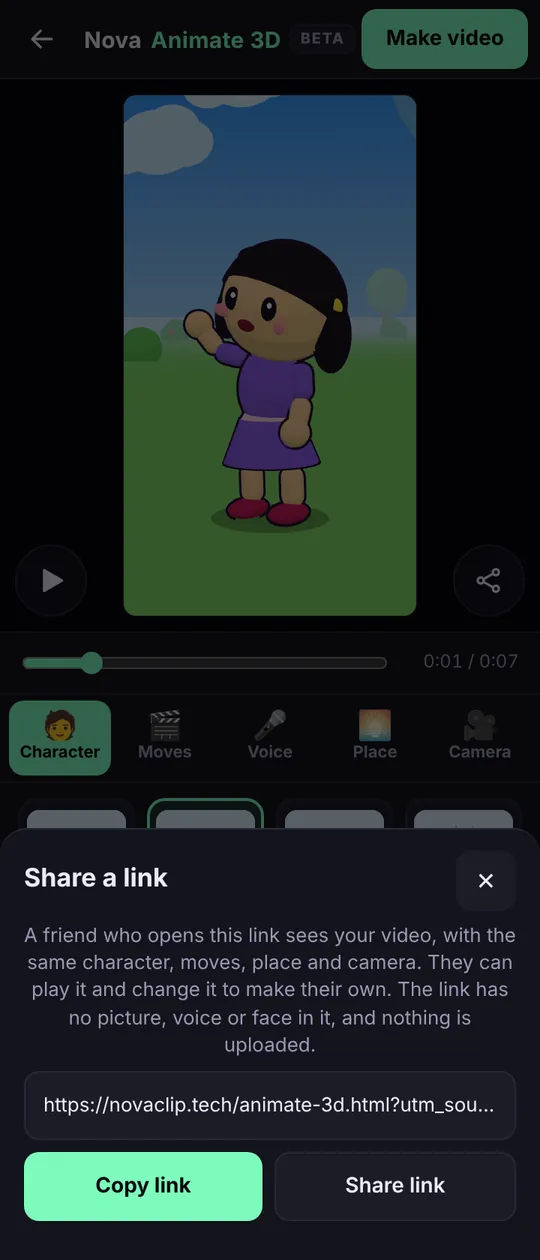
Your first 3D video in four steps
- Open itTap Make a 3D video. There is nothing to install and no account to make.
- Pick a character and movesChoose one of the 8 characters, then tap moves to line them up.
- Add a voice, a place and a cameraRecord a voice or copy your face if you like. Pick a place, a camera and the shape of the video.
- Make the videoTap Make video, then Download it or Share it.
Made for anyone who wants a character on screen
Reels, Shorts and WhatsApp status
Tall 9:16 videos in one go: a dancing character, a greeting, a short joke with a voice.
Wishes and celebrations
A character that does Namaste, waves and claps, with your own voice wishing a happy birthday, Diwali or Eid.
Teachers and tutors
Let a talking character read a question, a lesson or a story to the class, in any language.
Small shops and creators
A friendly character that talks about your offer, then add music and text in the Nova Clip editor.
Kids and families
Pick the Dino or the Panda, give it a voice or copy your own face, and laugh at the result together.
Storytellers
Choose a place for each scene, make short videos, and join them in the editor.
It is a beta, so here is what it cannot do yet
You work with one character at a time, and you choose from 8 characters, 6 places and 10 moves: you cannot draw or upload your own character yet. It needs a browser that can draw 3D (WebGL) and make video, and it does not keep an offline copy as Nova Animate does. If your browser cannot do it, the page tells you. Tell us what to add next on the Contact page.
फ़ोन पर 3D कैरेक्टर वीडियो कैसे बनाएं
Nova Animate 3D एक मुफ़्त ऑनलाइन 3D वीडियो मेकर है, जो सीधे आपके फ़ोन के ब्राउज़र में चलता है। कुछ इंस्टॉल करने या अकाउंट बनाने की ज़रूरत नहीं है। आपकी आवाज़ और आपका चेहरा आपके फ़ोन से बाहर नहीं जाते, और वीडियो भी आपके फ़ोन पर ही बनता है।
- Nova Animate 3D खोलें और 8 कैरेक्टर में से एक चुनें: Boy, Girl, Dog, Cat, Bunny, Panda, Robot या Dino। कपड़ों का रंग भी चुन सकते हैं।
- Moves टैब में Walk, Dance, Wave, Namaste जैसी मूव्स एक के बाद एक जोड़ें। हर मूव को छोटा या लंबा कर सकते हैं।
- Voice टैब में अपनी आवाज़ रिकॉर्ड करें, या Copy my face दबाकर कैरेक्टर से अपना चेहरा कॉपी करवाएँ। फिर Place और Camera चुनें, और वीडियो का आकार चुनें: Reels और WhatsApp स्टेटस के लिए Tall 9:16।
- Make video दबाएँ। वीडियो बन जाने पर Download करें, या Share से WhatsApp पर भेजें। चाहें तो वीडियो का लिंक भी दोस्त को भेज सकते हैं, ताकि वह उसे खोलकर अपना वीडियो बना सके।
अभी यह बीटा है। 3D वीडियो बनाना शुरू करें, या कार्टून बनाने के लिए Nova Animate देखें।
Nova Animate 3D, answered
What is Nova Animate 3D?
Is Nova Animate 3D free, and do I need an account?
Can I make a 3D video on my phone?
Can the character talk?
Can the character copy my face?
How long can a video be, and in what shape?
What file do I get?
Can I send a friend a link to my video?
Is my voice or my face uploaded?
How is it different from Nova Animate?
Does it work offline?
Why is it called a beta?
Make your first 3D video today
Open Nova Animate 3D, pick a character, tap a move, and tap Make video.