Nova Clip is a professional non-linear editor that runs entirely in your browser — multi-track timelines, full color grading, transitions, audio tools and more.
Works in Chrome, Firefox, Edge, Safari · Free account to export
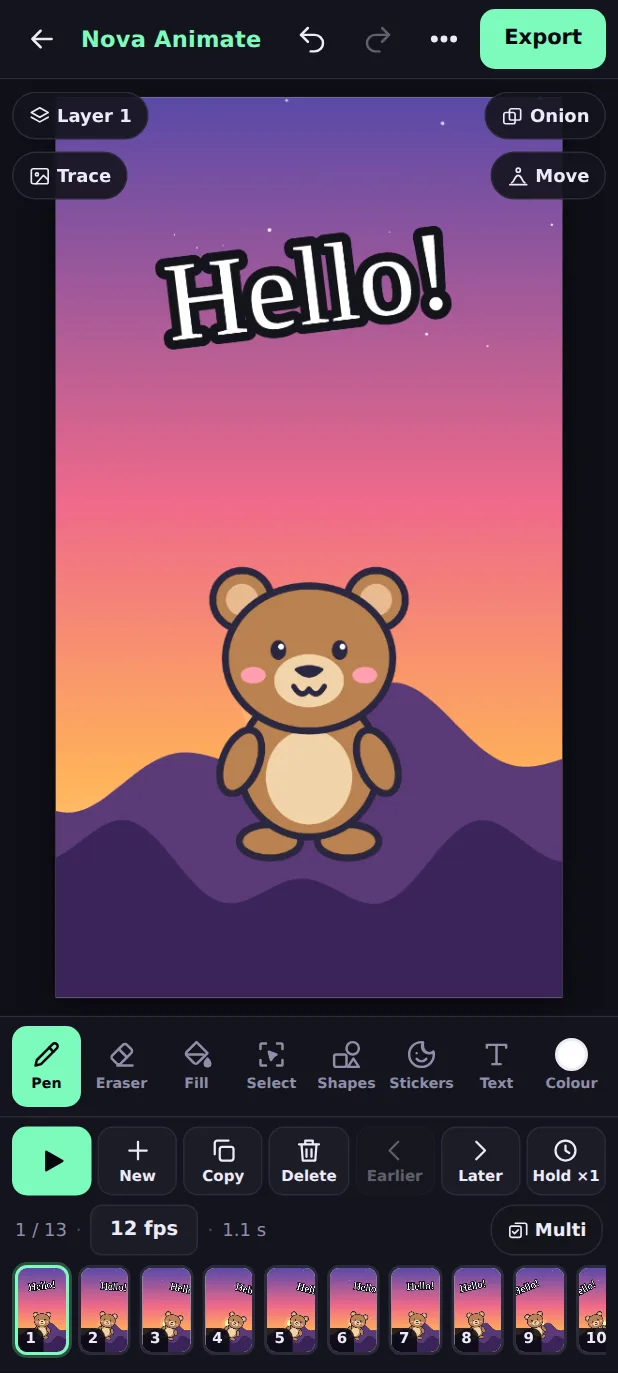
Draw frame by frame, or start from 103 ready-made characters and 28 backgrounds. Tap Move and your character bounces, walks or spins. Add music and export a video. Free, with no sign-up.
A photo editor that fits your phone. Layers and masks, selections, a brush, text and shapes, light and colour adjustments and one-tap looks. Your photos never leave your device. Free, with no sign-up.
Passport photos, subtitles, thumbnails and more. Pick a tool and it opens ready to go, in your browser. No install, no watermark, and your files stay on your device.
Professional tools, zero setup. Nova Clip runs entirely client-side — your footage never leaves your device.
Drag and drop clips across multiple tracks. Snap, ripple delete, split, link — everything you'd expect from a desktop NLE.
Lift/gamma/gain wheels, curves, LUT import, auto color balance, color match across clips — plus histogram, waveform and vectorscope.
Crossfade, dip to black/white, flash, wipe in four directions, push, zoom in, iris — applied per-clip with adjustable duration.
5-band EQ, compressor, noise gate, per-clip volume, audio normalization, waveform display and a real-time VU meter.
Remove green screens with adjustable tolerance and softness. Works on any clip without plugins.
Variable speed with keyframes, freeze frame, reverse — visualized as a curve on a per-clip graph.
Full primary correction with lift/gamma/gain color wheels, tone curves, and per-channel adjustments. Import .cube LUT files. Auto color balance or sample a reference clip and match the grade to it.
Ten one-click title templates, from Lower Third and Big Title to Meme Text and Credits. Import SRT subtitles. Animate with fade, slide, zoom or typewriter effects. Everything positioned precisely on the timeline.
Nova Clip analyzes your audio track and drops markers at every detected beat. Then use them as snap points to cut your footage in time with the music — fast, precise editing for reels and music videos.
Pick one and start. It is free, it runs in your browser with nothing to install, and your photos, videos and PDFs stay on your device.