Make cartoon animations on your phone
Nova Animate is a frame-by-frame animation studio that opens in your browser. Draw your own cartoon, or pick from 93 ready-made characters and 28 backgrounds, make them move with one tap, add music and export a video. No install, no sign-up.
No installNo accountWorks offlineYour drawings stay on your device
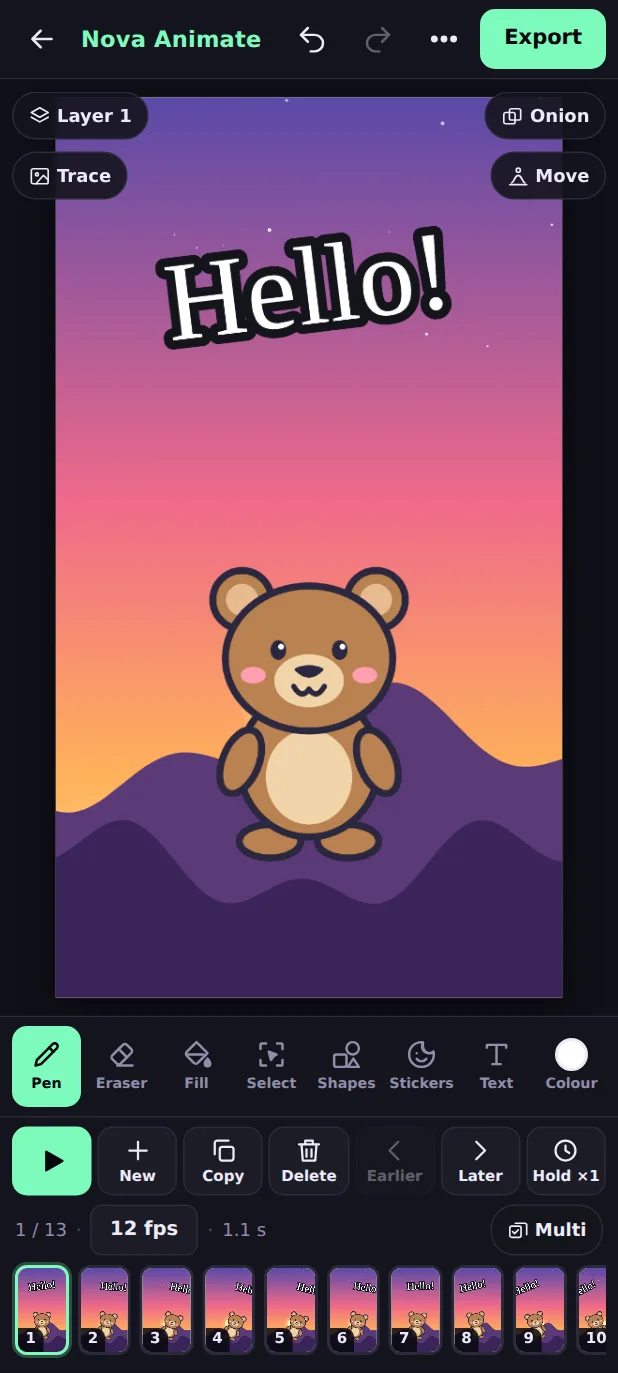
Everything you need to animate, in your pocket
Most animation apps make you draw every single frame. Nova Animate gives you a head start: characters, backgrounds and motions are built in, and your own drawings, photos and voice fit right in.
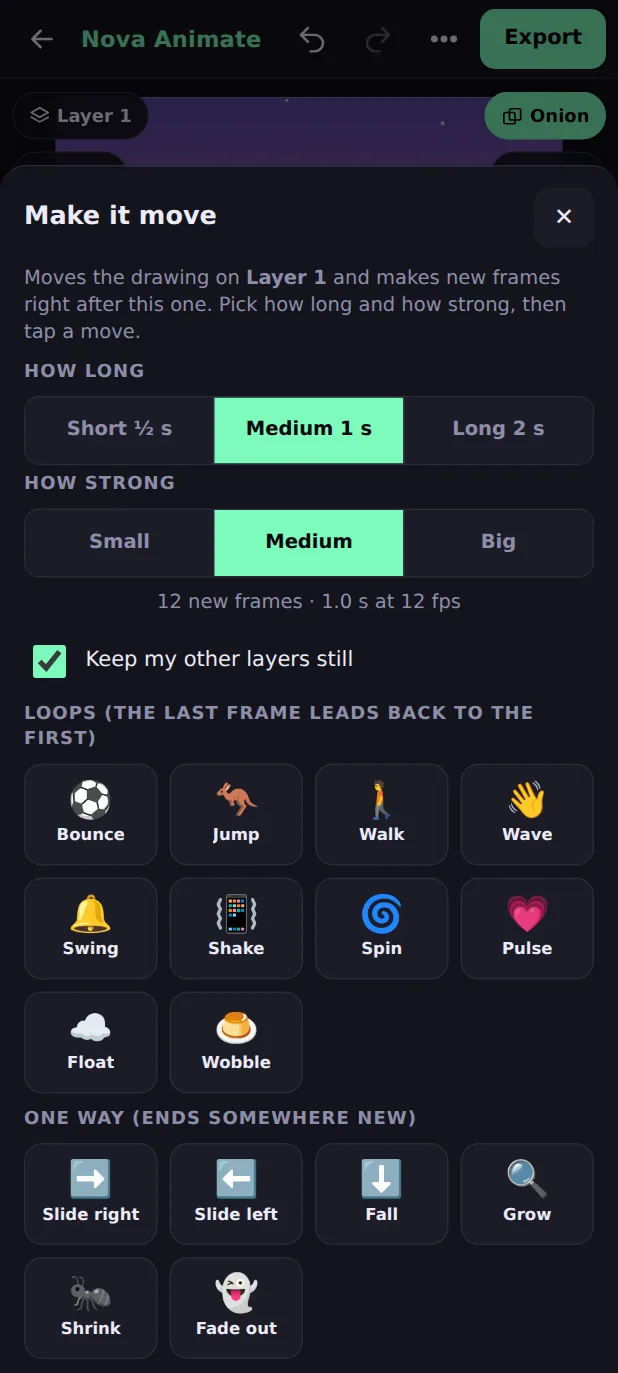
Bring a drawing to life with one tap
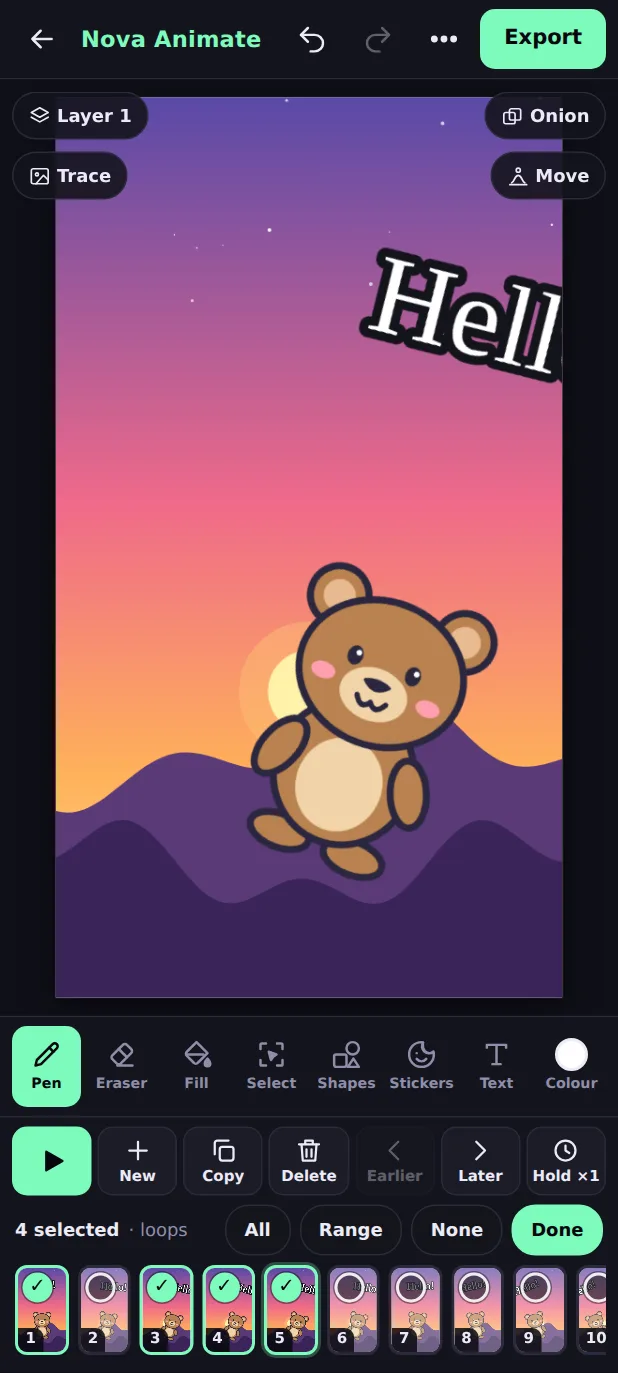
Draw something, or place a character, then tap Move. Nova Animate makes the frames for you: your picture bounces, jumps, walks, waves, spins or slides across the screen.
- 10 loops that repeat smoothly: Bounce, Jump, Walk, Wave, Swing, Shake, Spin, Pulse, Float, Wobble.
- 6 one-way moves: Slide right, Slide left, Fall, Grow, Shrink, Fade out.
- Choose how long (½, 1 or 2 seconds) and how strong. One Undo takes it all back.
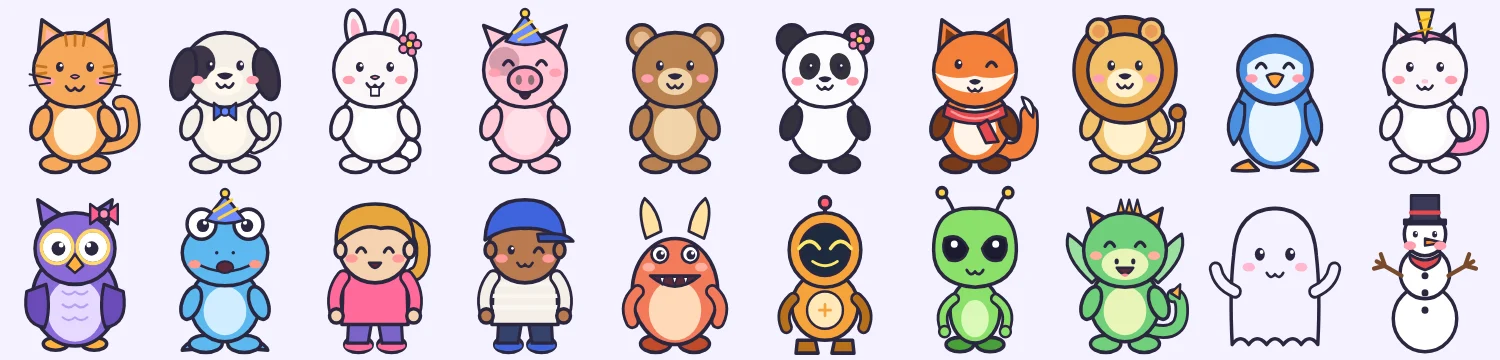
93 cartoon characters and 28 backgrounds, ready to use
Pets, wild animals, kids, monsters, robots, dragons and more, all drawn in one friendly style. Tap a character, drag it into place, pinch to resize and turn it, and tick to place it. Then pick a background: sunny day, space, beach, city, classroom, castle and more.
- Characters come in several colours and looks, so your cast does not look the same.
- Backgrounds fit wide, tall and square canvases.
- Upload a picture from your gallery as a background, with fill or fit.
- 450+ illustrations in 22 categories (food, vehicles, temples, festivals, space, sports and more) with search. Tap one to place it like a sticker.

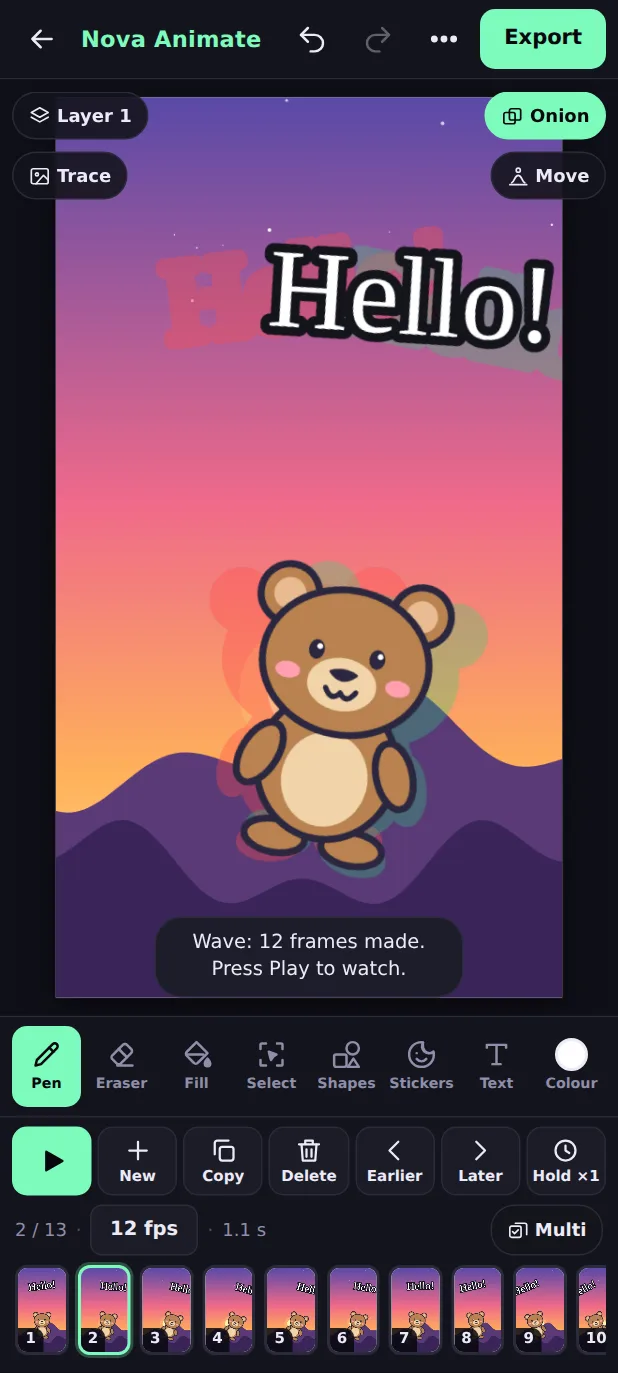
A timeline made for thumbs
Animating on a small screen should not be fiddly. Choose several frames at once, loop just a range to check one movement, and drag a frame to a new place with a long press.
- Multi mode: copy, delete, move or hold many frames together.
- Range loop: choose frames 3 to 8 and Play repeats only those.
- Onion skin shows the frame before (red) and after (green) so motion stays smooth.
- Slow speeds from 1 frame per second up to 24, and Hold to keep a drawing for 2 to 4 beats.
Trace a photo or a video
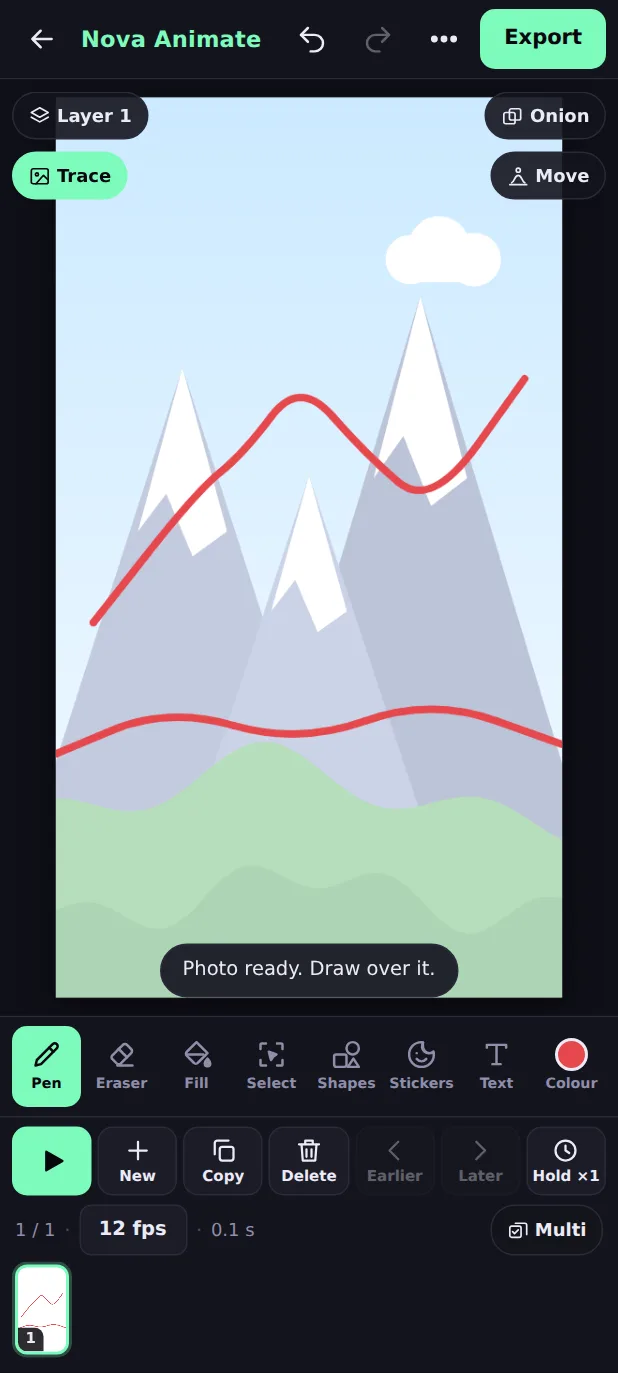
Pick a photo and it shows faintly under your drawing, so you can trace it. Pick a video and each frame shows the next moment of the clip, a classic technique called rotoscoping. The guide is never part of your finished video.
- Choose how faint it is, behind or in front, fit or fill.
- For videos: set where to start, the speed, and add exactly as many frames as the clip needs.
Titles, speech and scenery that stay put
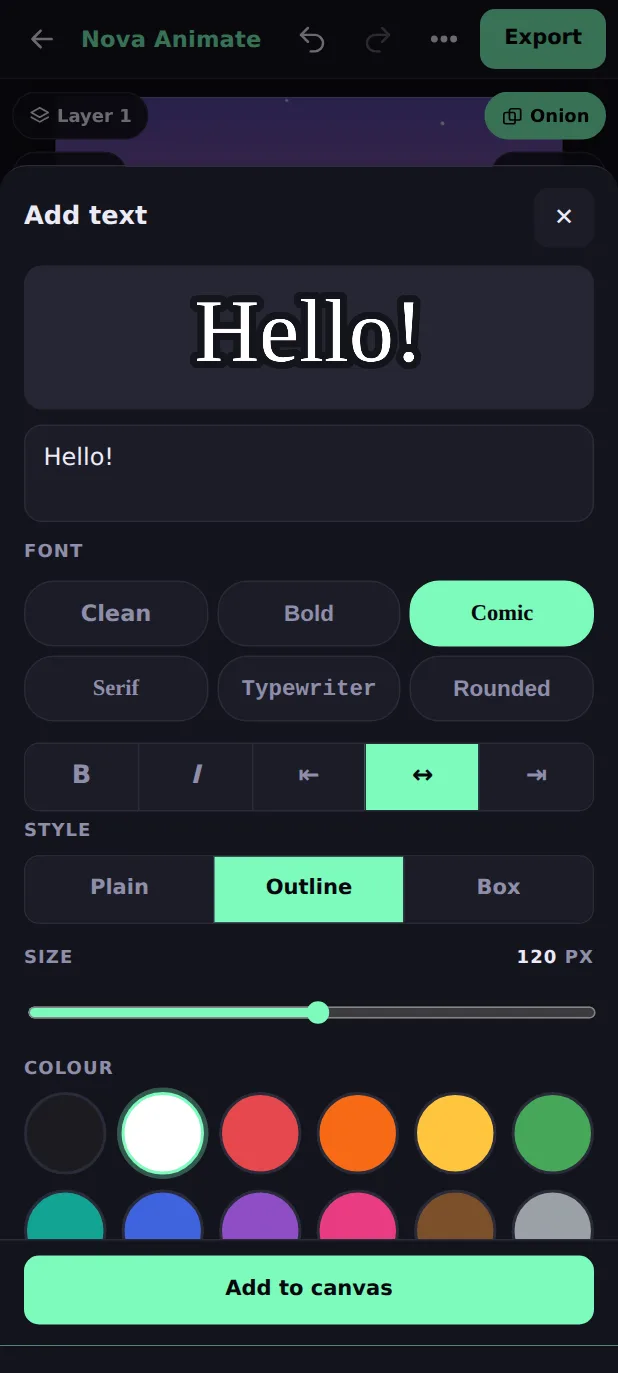
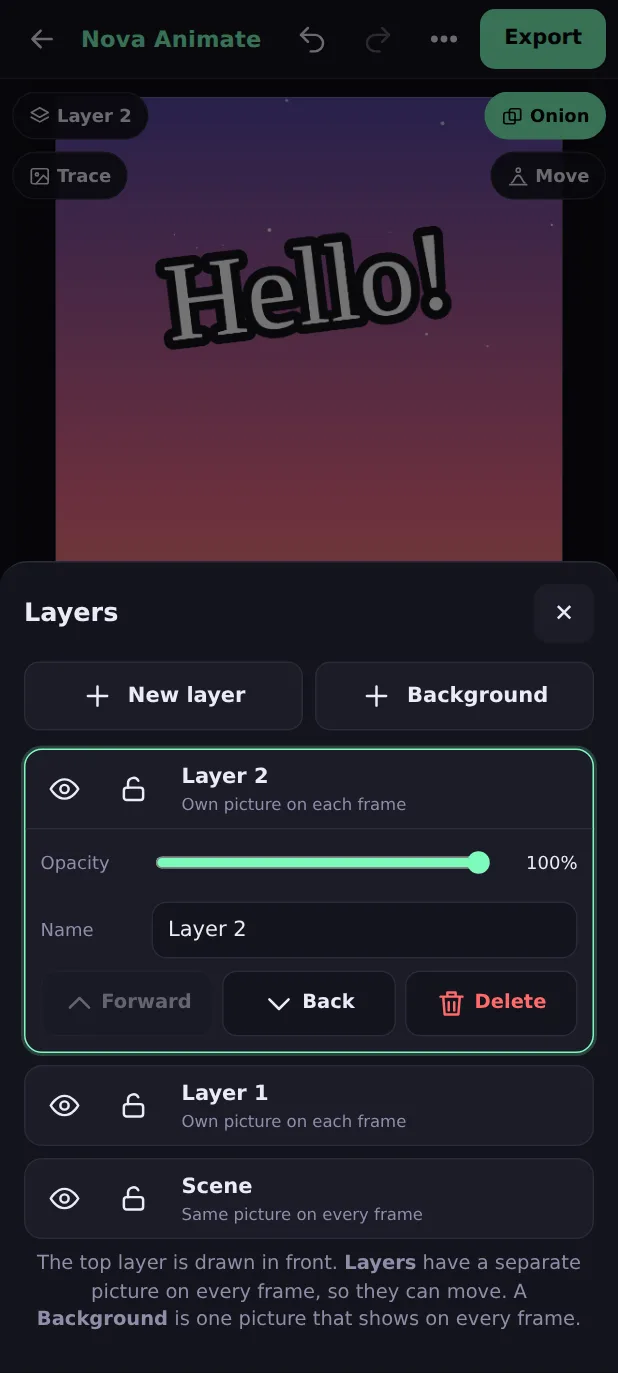
Add text in six fonts with outline or box styles, then move, resize and turn it. Drop in emoji or your own photos as stickers. Use layers to keep the scenery still while a character moves.
- Text is editable while it floats, with a live preview.
- Up to 8 layers; hide, lock and reorder them.
- Select part of a drawing with a box or lasso, then move, copy and paste it.
Add music and your voice, then export a video
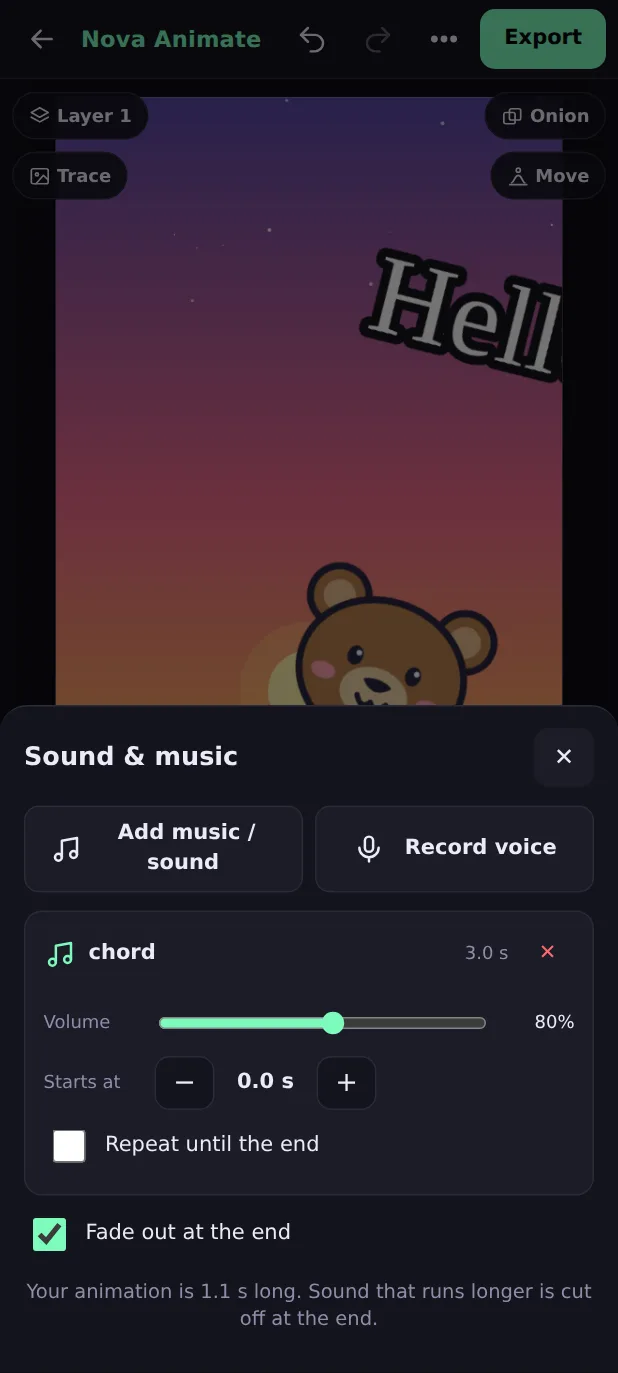
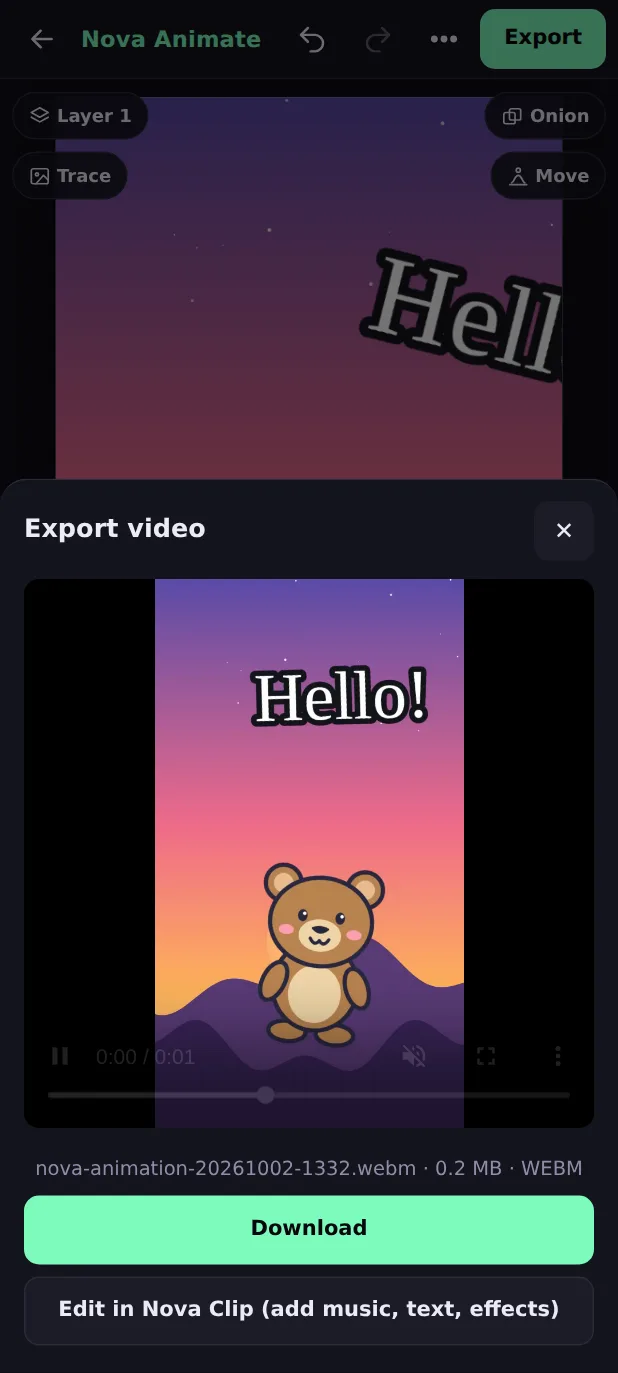
Bring a song or sound effect from your phone, or record your voice with the microphone. Set the volume, the start time and looping. When you are happy, export an MP4 video, or send the animation to the Nova Clip editor to add more.
- Several sound tracks, with a fade-out at the end.
- Export runs on your phone and your files are never uploaded.
- Save any single frame as a PNG picture.
A full set of drawing tools
Pen and eraser
Smooth lines that follow your finger or stylus, with a size you choose.
Fill
Colour a closed shape in one tap. Put colour on a layer behind your outlines to keep it tidy.
10 shapes
Circles, stars, arrows, speech bubbles and more, outlined or filled.
Colours
A palette of 12 colours and any custom colour you like.
Undo and redo
Go back up to 60 steps. Every move, sticker and frame action is one step.
Saved for you
Your animation saves on your device as you work and is waiting when you return.
Works offline
After the first visit it opens and exports without internet.
Any canvas shape
Landscape for YouTube, portrait for Reels and Shorts, or square for Instagram.
Your first cartoon in four steps
- Pick a canvasOpen Nova Animate and choose Landscape, Portrait, Square or Small landscape.
- Draw or add a characterDraw with the pen, or tap Stickers and choose one of the 93 characters. Add a background from the menu.
- Make it moveTap Move, choose Bounce, Walk, Spin or another motion. The frames appear in the timeline.
- Add sound and exportAdd music or record your voice, press Export, and download your video.
Made for anyone with a story to tell
Kids and students
A friendly first animation tool: tap a character, tap a move, watch it come alive.
Teachers
Make lesson videos, science explainers and class stories on any phone or tablet, with nothing to install.
Reels and Shorts creators
Portrait canvas, quick loops, text and music: a fresh intro or reaction clip in minutes.
Storytellers
Sketch scenes with layers, trace real footage and finish the film in the Nova Clip editor.
Game and app makers
Draw walk cycles and idle loops for characters, then export them as a video.
Greetings and invitations
Animate a birthday message with a character, text and a song.
फ़ोन पर कार्टून एनिमेशन कैसे बनाएं
Nova Animate एक मुफ़्त ऑनलाइन कार्टून एनिमेशन मेकर है, जो सीधे आपके फ़ोन के ब्राउज़र में चलता है। कुछ इंस्टॉल करने या अकाउंट बनाने की ज़रूरत नहीं है। आपकी ड्रॉइंग आपके फ़ोन में ही रहती है।
- Nova Animate खोलें और अपने वीडियो का आकार चुनें: YouTube के लिए Landscape, Reels और Shorts के लिए Portrait, या Square।
- पेन से ड्रॉ करें, या Stickers में से 93 तैयार कार्टून कैरेक्टर चुनें। मेनू में Backgrounds से बैकग्राउंड लगाएँ।
- Move बटन दबाएँ और Bounce, Walk, Wave या Spin जैसी मूवमेंट चुनें। फ्रेम अपने आप बन जाते हैं।
- Play दबाकर देखें, म्यूज़िक या अपनी आवाज़ जोड़ें, और Export से MP4 वीडियो सेव करें।
पूरी जानकारी के लिए Nova Animate यूज़र मैन्युअल देखें, या सीधे एनिमेशन बनाना शुरू करें।
Nova Animate, answered
What is Nova Animate?
Is Nova Animate free, and do I need an account?
Can I make a cartoon animation on my phone?
Do I have to install an app?
Does it work offline?
How do I make a character move?
Are there ready-made pictures I can use?
Can I use my own photos and drawings?
Can I add music or my own voice?
What can I export?
How many frames can I draw?
Can I keep more than one animation?
Is my work private?
Make your first cartoon today
It takes a minute to start. Open Nova Animate, tap a character, tap Move, and press Play.