Free Instagram portrait post and carousel templates
Tall 1080 × 1350 designs for carousel covers, facts, checklists, promotions and quotes. They take more room on the screen than a square post.
- Free
- No sign-up to start
- Works on your phone
- Your files stay on your device
Portrait posts and carousels: pick a design
A portrait post (4:5) fills more of the phone screen than a square one, so it gets more attention as people scroll. These templates are made for that shape: a carousel cover with a clear first line, a fact card, a daily checklist, a promotion.
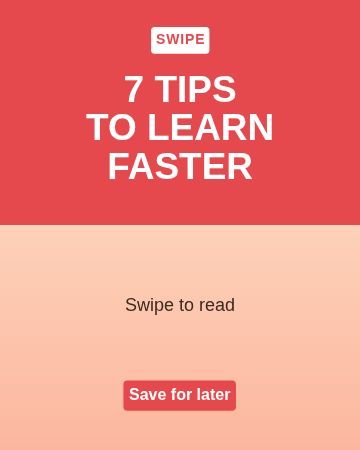 Half and halfCarousel cover
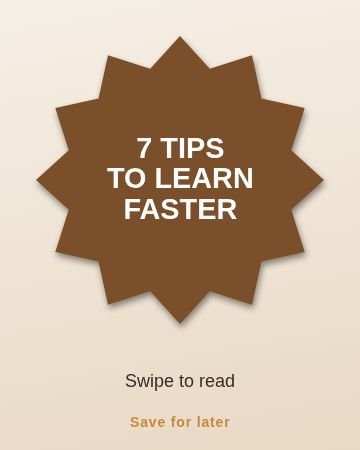 BurstCarousel cover
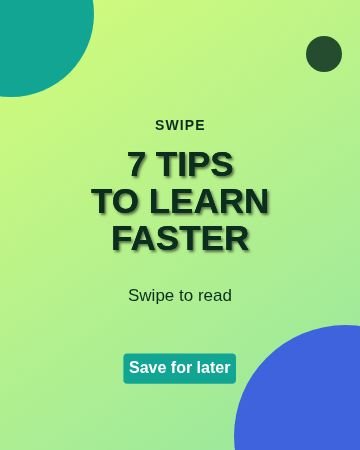 CornersCarousel cover
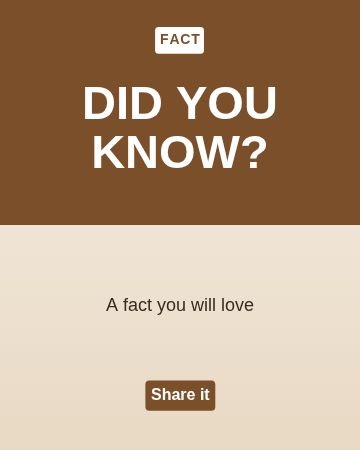 Half and halfDid you know
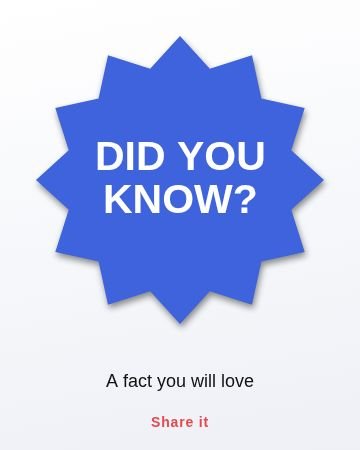 BurstDid you know
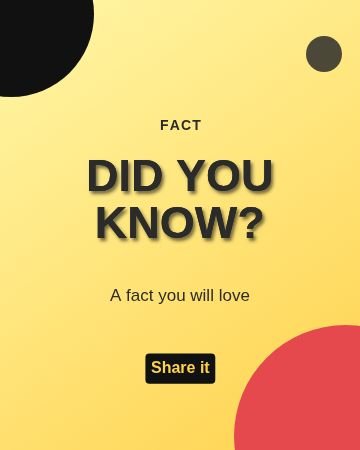 CornersDid you know
 Half and halfPromotion
 BurstPromotion
 CornersPromotion
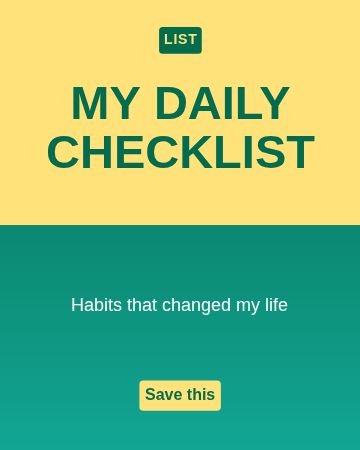 Half and halfChecklist
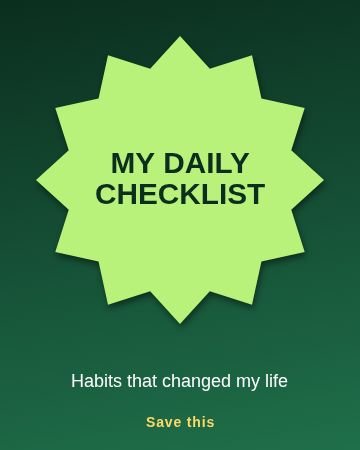 BurstChecklist
 CornersChecklist
 Half and halfQuote
 BurstQuote
 CornersQuote
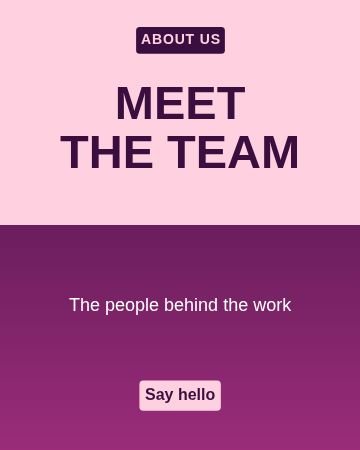 Half and halfMeet us
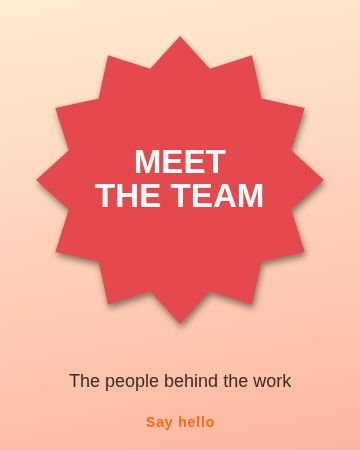 BurstMeet us
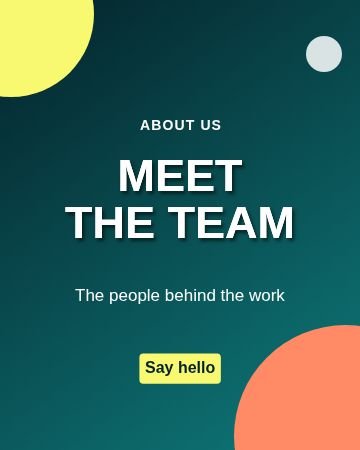 CornersMeet us
Topics inside
More kinds of templates
How to use a template
Pick a design
Tap any picture below, or browse all 60 with search and topics inside Nova Studio.
Change the words
It opens in Nova Studio at the right size. Tap any text to type your own words, and change the colours.
Add your photo or logo
Add a photo as a layer, move it behind the text and fit it. Everything stays editable.
Save and share
Tap Export to save the picture to your gallery, then post it or send it on WhatsApp.
Why use this tool
60 designs
6 topics in one place: Carousel cover, Did you know, Promotion, Checklist, Quote, Meet us and more.
Fully editable
Every template is made of normal layers: text, shapes and colours that you can change.
Fits the words
Long words are made smaller on their own so they always stay inside the picture.
Made for phones
Big buttons, no sign-up, and your design stays on your own device.
Tips for portrait posts and carousels
- Make the first slide of a carousel a strong cover. It decides whether people swipe.
- Use the same template for every slide of a carousel so it looks like one set.
- Keep one clear action on the last slide, like Save this or Follow for more.
- Short lines read better than long paragraphs on a phone.
Questions
What size is a portrait Instagram post?
Is portrait better than square?
Are these portrait post templates free?
Do I need to sign up?
Can I change the words, colours and pictures?
Does it work on a phone?
More free tools
Nova Clip edits video, Nova Studio edits photos and Nova Animate makes cartoons. All free, in your browser.