Free YouTube thumbnail templates
Pick a ready design, change the words and save a 1280 × 720 thumbnail. Gaming, tutorials, vlogs, reviews, food, fitness and more, all editable on your phone.
- Free
- No sign-up to start
- Works on your phone
- Your files stay on your device
YouTube thumbnails: pick a design
A thumbnail is the first thing people see, so it needs big words, strong colours and a clear picture. These templates already do that. Each one has a big headline, a small line under it, a tag and a place for your face or your best frame. Open one, tap the text, type your own title, then add your photo as a layer.
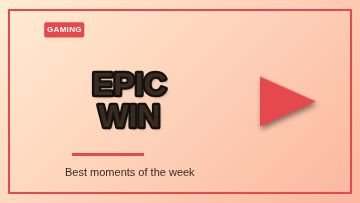 FrameGaming
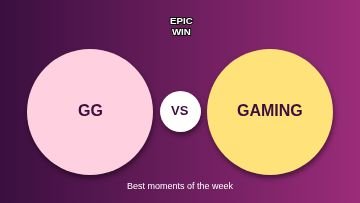 VersusGaming
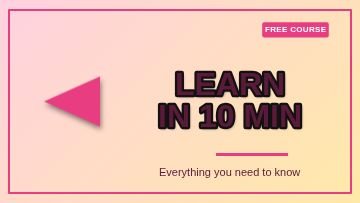 FrameTutorial
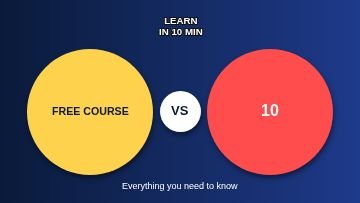 VersusTutorial
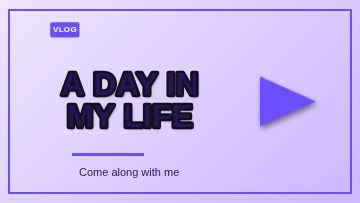 FrameVlog
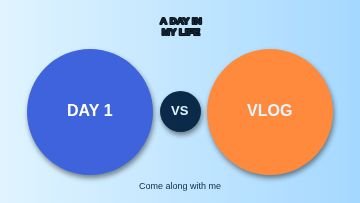 VersusVlog
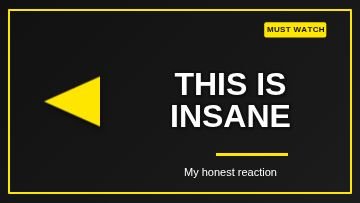 FrameReaction
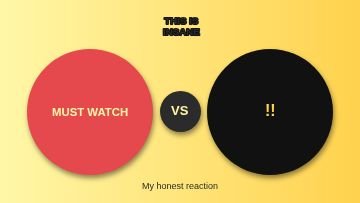 VersusReaction
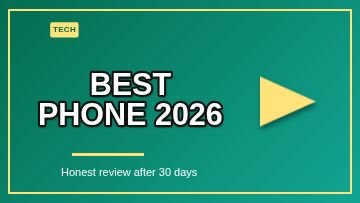 FrameTech review
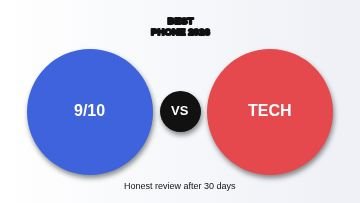 VersusTech review
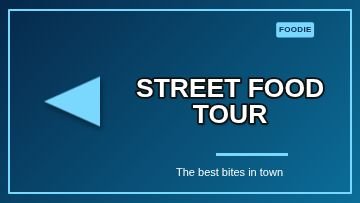 FrameFood
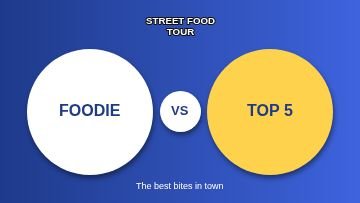 VersusFood
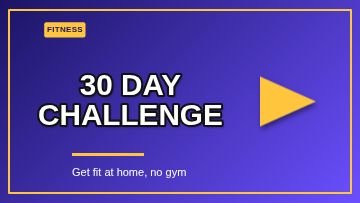 FrameFitness
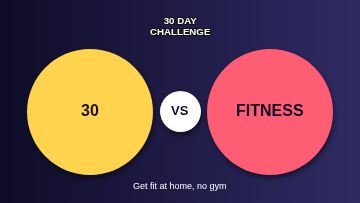 VersusFitness
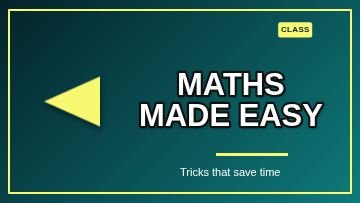 FrameEducation
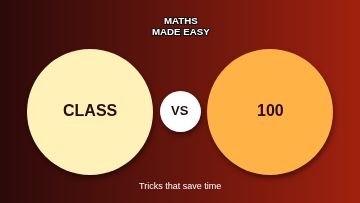 VersusEducation
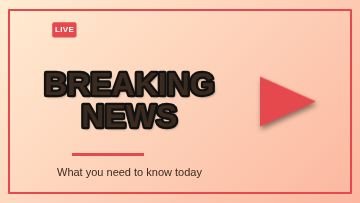 FrameNews
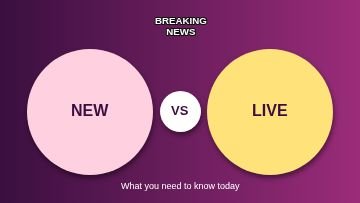 VersusNews
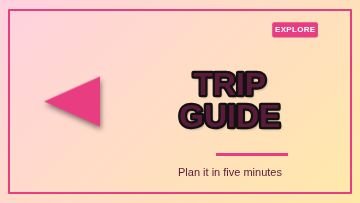 FrameTravel
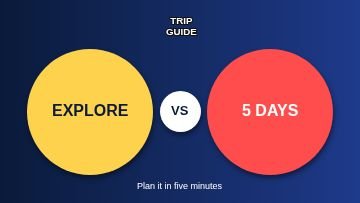 VersusTravel
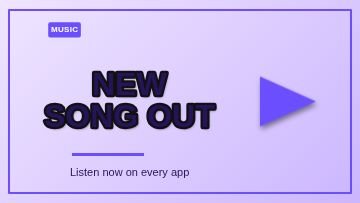 FrameMusic
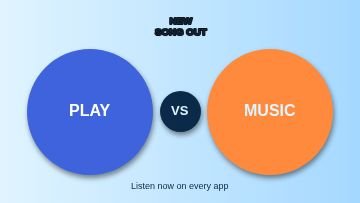 VersusMusic
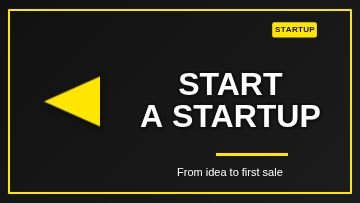 FrameBusiness
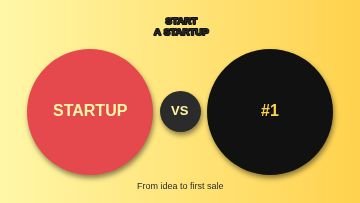 VersusBusiness
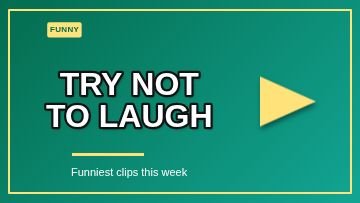 FrameComedy
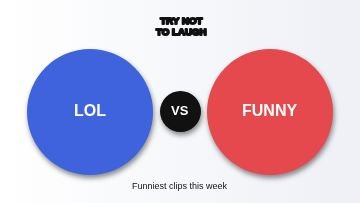 VersusComedy
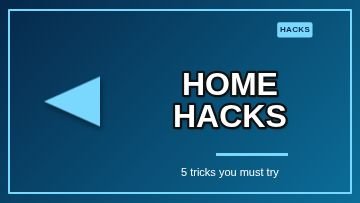 FrameDIY and craft
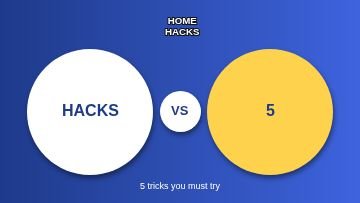 VersusDIY and craft
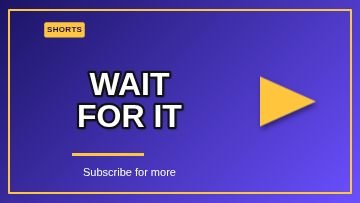 FrameShorts and Reels
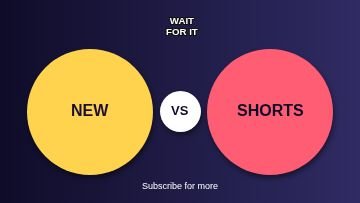 VersusShorts and Reels
Topics inside
More kinds of templates
How to use a template
Pick a design
Tap any picture below, or browse all 120 with search and topics inside Nova Studio.
Change the words
It opens in Nova Studio at the right size. Tap any text to type your own words, and change the colours.
Add your photo or logo
Add a photo as a layer, move it behind the text and fit it. Everything stays editable.
Save and share
Tap Export to save the picture to your gallery, then post it or send it on WhatsApp.
Why use this tool
120 designs
15 topics in one place: Gaming, Tutorial, Vlog, Reaction, Tech review, Food and more.
Fully editable
Every template is made of normal layers: text, shapes and colours that you can change.
Fits the words
Long words are made smaller on their own so they always stay inside the picture.
Made for phones
Big buttons, no sign-up, and your design stays on your own device.
Tips for youtube thumbnails
- Keep the title to two or three big words. People read thumbnails in less than a second.
- Use a bright accent colour against a dark or very light background so the words pop on a small phone screen.
- Put a clear photo of a face or the main object on the big circle or the empty side. Faces with a clear expression get more taps.
- Do not repeat your video title. Add something new, like a number, a result or a question.
- YouTube shows thumbnails very small. After editing, zoom out to the size of your thumb and check that you can still read it.
Questions
What size is a YouTube thumbnail?
How do I add my own photo?
Can I use these for Shorts?
Are these YouTube thumbnail templates free?
Do I need to sign up?
Can I change the words, colours and pictures?
Does it work on a phone?
More free tools
Nova Clip edits video, Nova Studio edits photos and Nova Animate makes cartoons. All free, in your browser.