Free Instagram post templates
Square 1080 × 1080 designs for quotes, sales, announcements, daily tips, giveaways and customer reviews. Pick one, change the words and post.
- Free
- No sign-up to start
- Works on your phone
- Your files stay on your device
Instagram posts: pick a design
A good post says one thing clearly. Each template has a short headline, one line of detail and a call to action, laid out in a style that fits the message: a clean quote, a loud sale, a calm announcement. Change the words, keep the layout, and your whole feed will look like it belongs together.
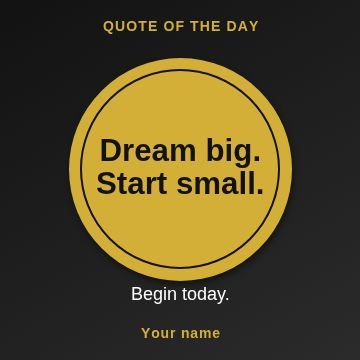 Circle badgeQuote
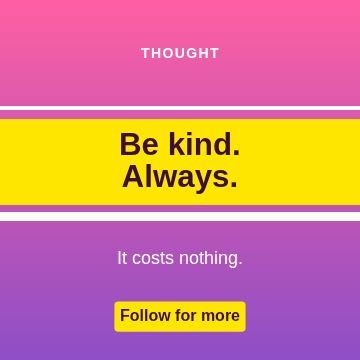 StripesQuote
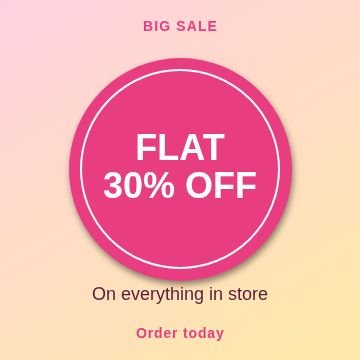 Circle badgeSale
 StripesSale
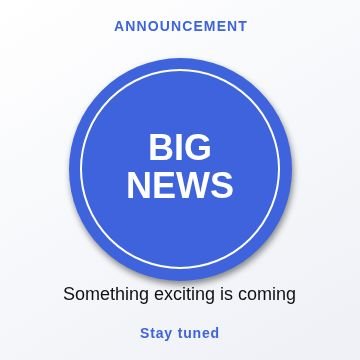 Circle badgeAnnouncement
 StripesAnnouncement
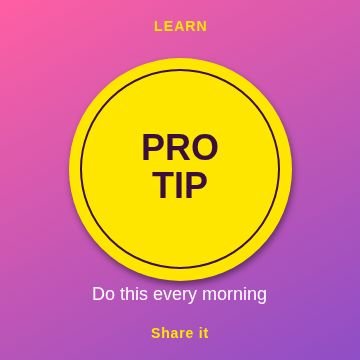 Circle badgeTip of the day
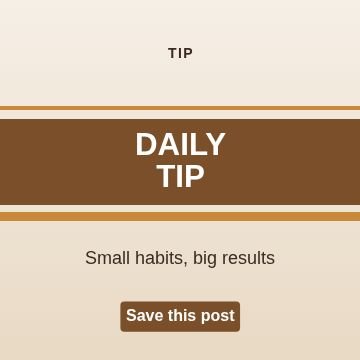 StripesTip of the day
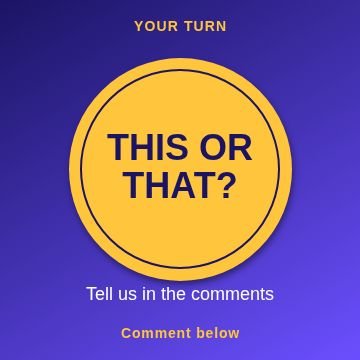 Circle badgeQuestion
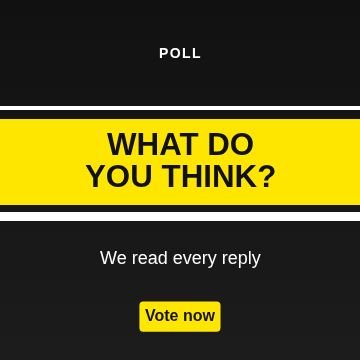 StripesQuestion
 Circle badgeNew arrival
 StripesNew arrival
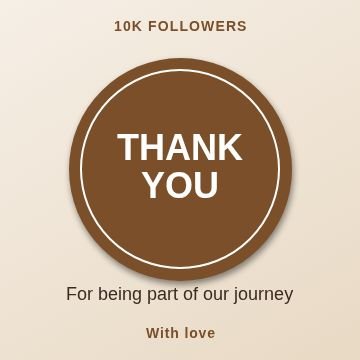 Circle badgeThank you
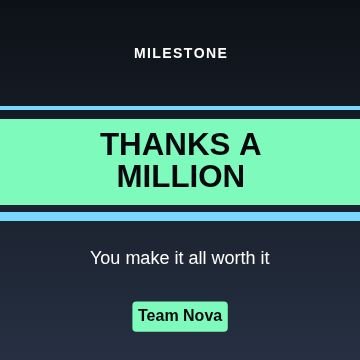 StripesThank you
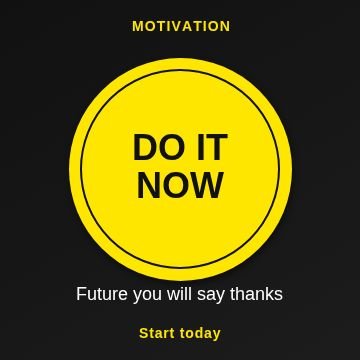 Circle badgeMotivation
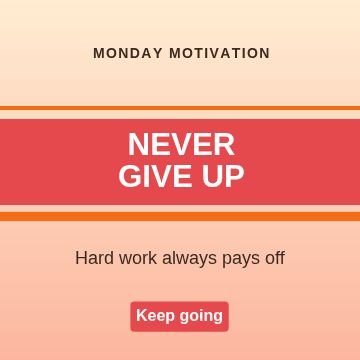 StripesMotivation
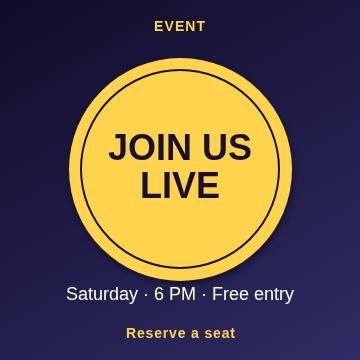 Circle badgeEvent
 StripesEvent
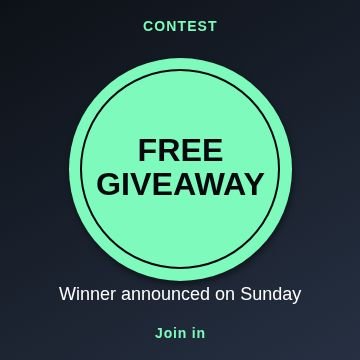 Circle badgeGiveaway
 StripesGiveaway
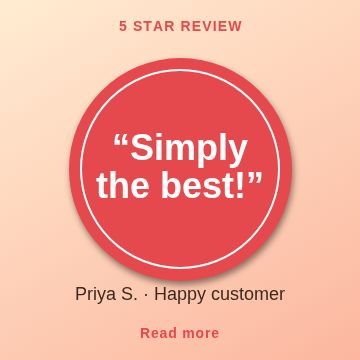 Circle badgeTestimonial
 StripesTestimonial
Topics inside
More kinds of templates
How to use a template
Pick a design
Tap any picture below, or browse all 110 with search and topics inside Nova Studio.
Change the words
It opens in Nova Studio at the right size. Tap any text to type your own words, and change the colours.
Add your photo or logo
Add a photo as a layer, move it behind the text and fit it. Everything stays editable.
Save and share
Tap Export to save the picture to your gallery, then post it or send it on WhatsApp.
Why use this tool
110 designs
11 topics in one place: Quote, Sale, Announcement, Tip of the day, Question, New arrival and more.
Fully editable
Every template is made of normal layers: text, shapes and colours that you can change.
Fits the words
Long words are made smaller on their own so they always stay inside the picture.
Made for phones
Big buttons, no sign-up, and your design stays on your own device.
Tips for instagram posts
- Use one idea per post. If you have three things to say, make three posts or a carousel.
- Pick two or three colours and use them in every post. A feed with a clear colour style is easier to remember.
- Keep the important words away from the edges. Instagram can crop the picture a little in some views.
- End with a clear action in the button: Shop now, Save this, Comment below.
- Write the headline in plain words. Short beats clever.
Questions
What size is an Instagram post?
Can I make a carousel?
Can I use my logo?
Are these Instagram post templates free?
Do I need to sign up?
Can I change the words, colours and pictures?
Does it work on a phone?
More free tools
Nova Clip edits video, Nova Studio edits photos and Nova Animate makes cartoons. All free, in your browser.