Free poster templates (A4)
Big A4 posters (1654 × 2339 px) for events, sales, grand openings, hiring, classes, workshops and rentals. Change the words, save and print.
- Free
- No sign-up to start
- Works on your phone
- Your files stay on your device
Posters: pick a design
A poster has to be read from a few steps away, so the headline is big and the details are short. These A4 templates are laid out that way: a loud headline, the date or offer, and one line of contact or action. Save the picture and print it at any print shop, or share it on WhatsApp.
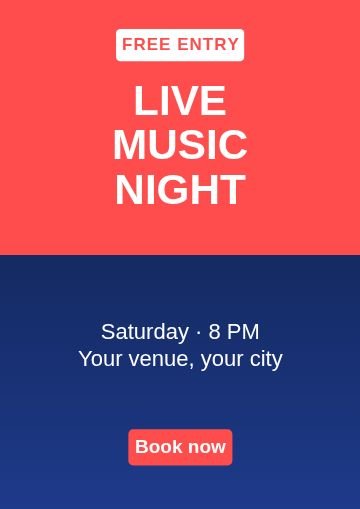 Half and halfEvent
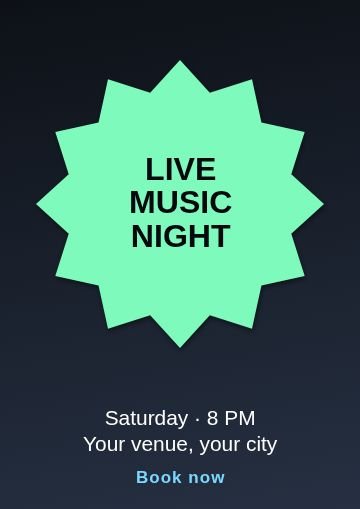 BurstEvent
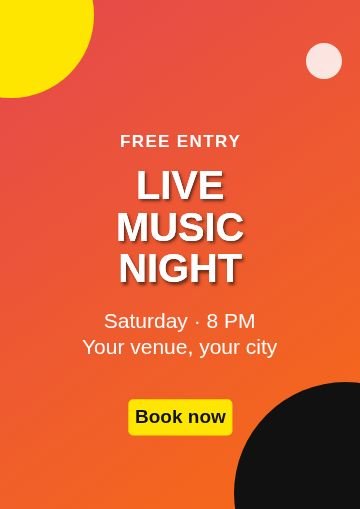 CornersEvent
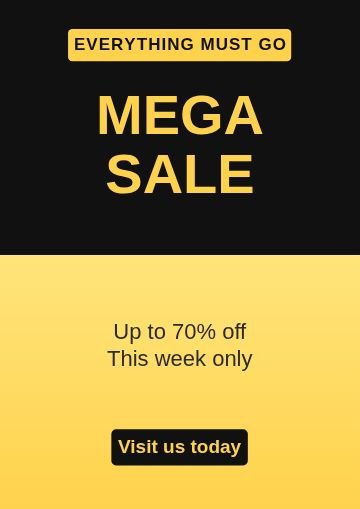 Half and halfMega sale
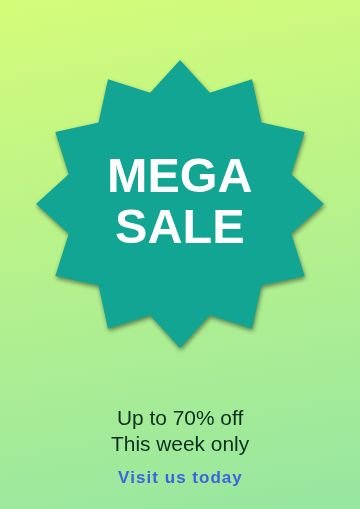 BurstMega sale
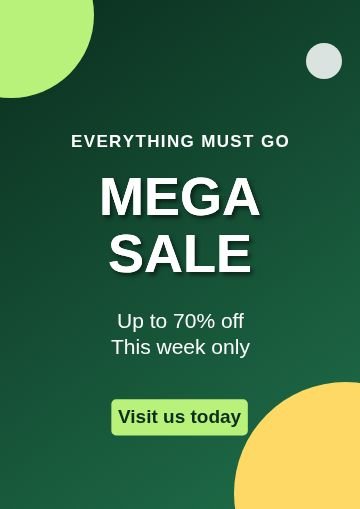 CornersMega sale
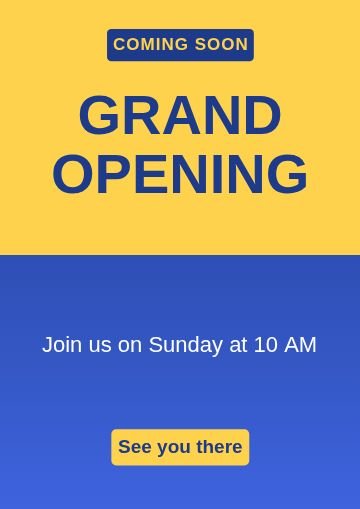 Half and halfGrand opening
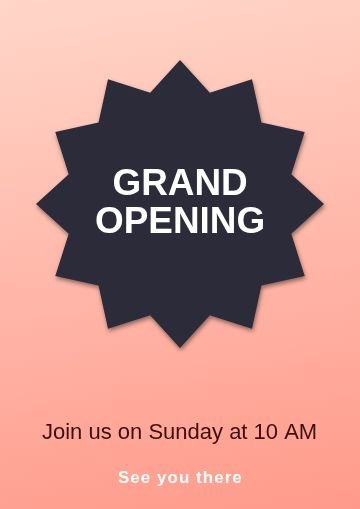 BurstGrand opening
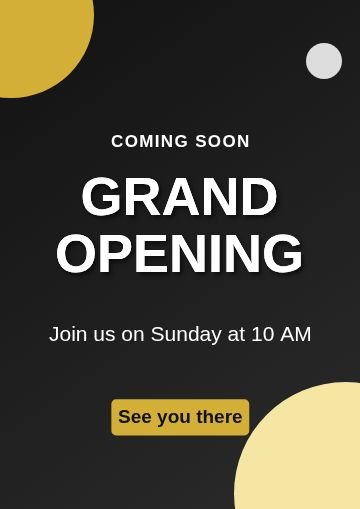 CornersGrand opening
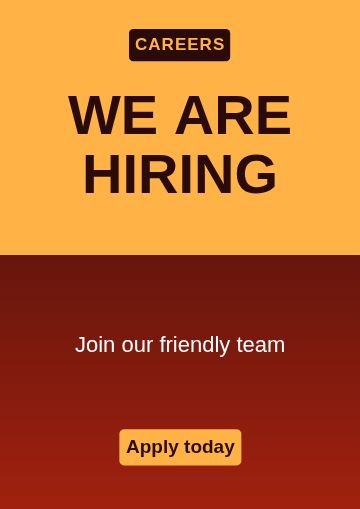 Half and halfWe are hiring
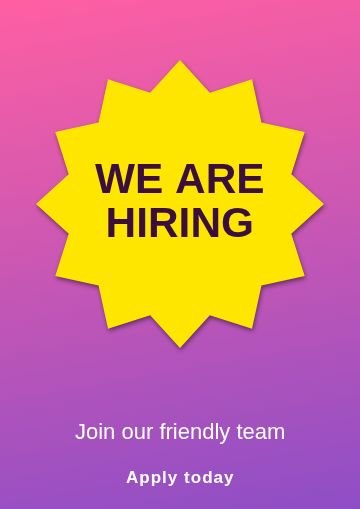 BurstWe are hiring
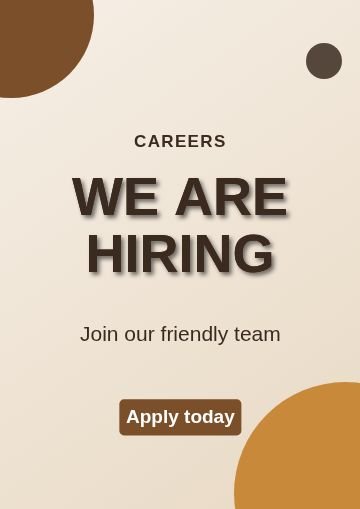 CornersWe are hiring
 Half and halfClasses
 BurstClasses
 CornersClasses
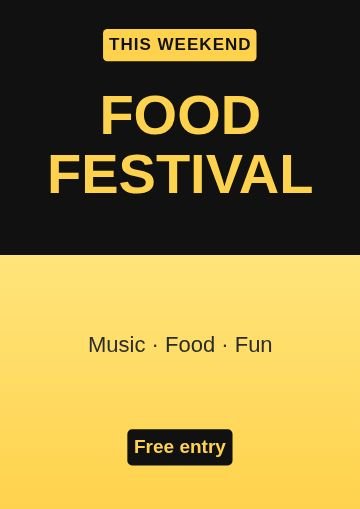 Half and halfFestival
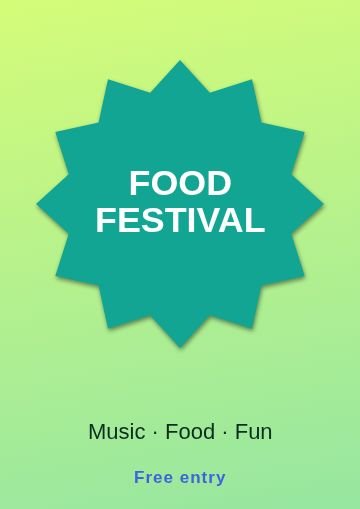 BurstFestival
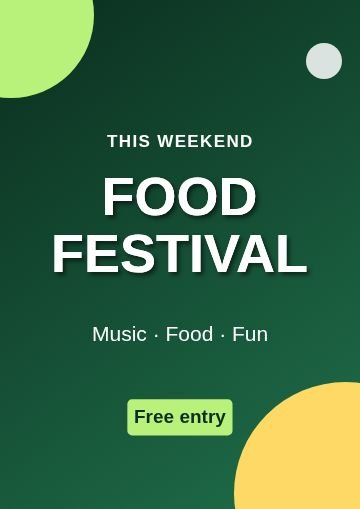 CornersFestival
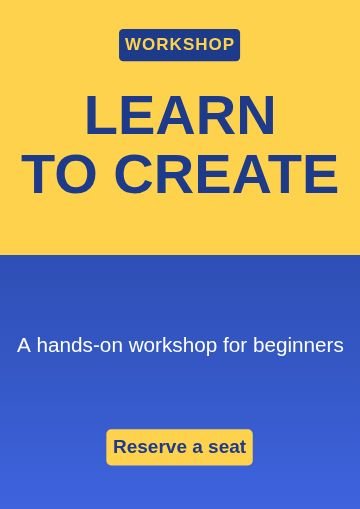 Half and halfWorkshop
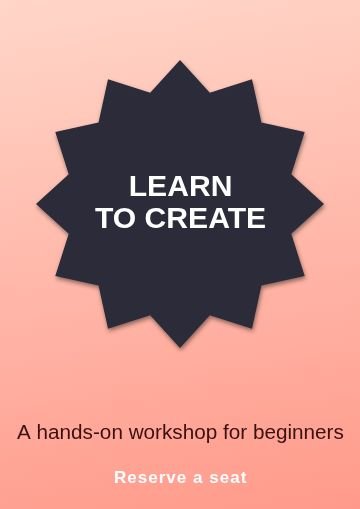 BurstWorkshop
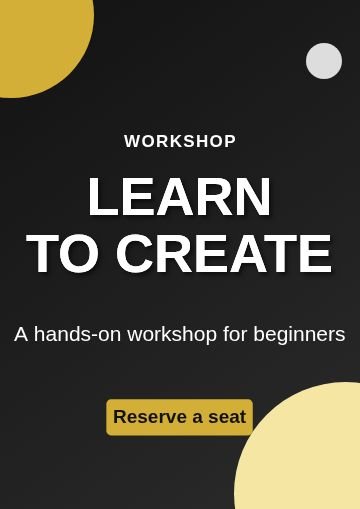 CornersWorkshop
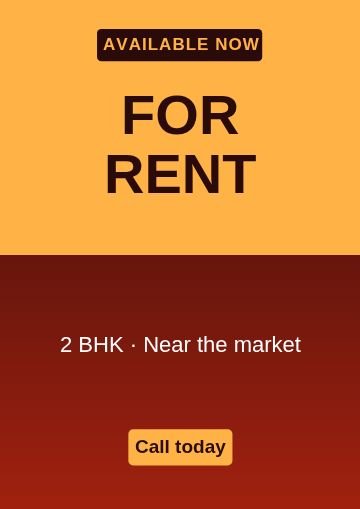 Half and halfFor rent
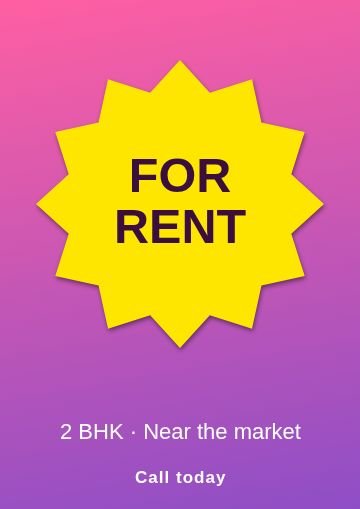 BurstFor rent
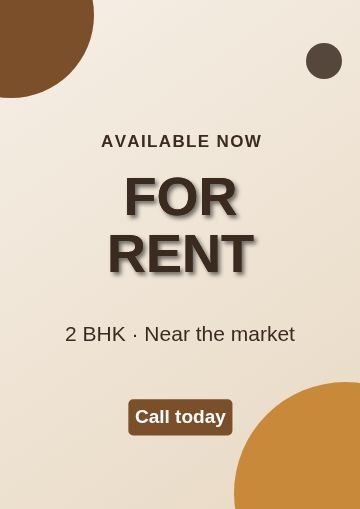 CornersFor rent
Topics inside
More kinds of templates
How to use a template
Pick a design
Tap any picture below, or browse all 80 with search and topics inside Nova Studio.
Change the words
It opens in Nova Studio at the right size. Tap any text to type your own words, and change the colours.
Add your photo or logo
Add a photo as a layer, move it behind the text and fit it. Everything stays editable.
Save and share
Tap Export to save the picture to your gallery, then post it or send it on WhatsApp.
Why use this tool
80 designs
8 topics in one place: Event, Mega sale, Grand opening, We are hiring, Classes, Festival and more.
Fully editable
Every template is made of normal layers: text, shapes and colours that you can change.
Fits the words
Long words are made smaller on their own so they always stay inside the picture.
Made for phones
Big buttons, no sign-up, and your design stays on your own device.
Tips for posters
- Put the most important thing, like the offer or the event name, in the biggest words.
- Keep the details short: when, where and how to contact you.
- Save the picture as a PNG for printing and ask the print shop for A4.
- Use a very dark or very bright background so the poster is readable from far away.
Questions
What size are the posters?
Can I print them?
Can I add a phone number and a map?
Are these poster templates free?
Do I need to sign up?
Can I change the words, colours and pictures?
Does it work on a phone?
More free tools
Nova Clip edits video, Nova Studio edits photos and Nova Animate makes cartoons. All free, in your browser.