Free Instagram Story and Reel cover templates
Tall 1080 × 1920 designs for polls, Ask me anything, countdowns, flash sales, going live and Reel covers. Open one, change the words and save.
- Free
- No sign-up to start
- Works on your phone
- Your files stay on your device
Stories and Reel covers: pick a design
Stories are seen for a few seconds, so the picture has to say its message at a glance. These templates leave room in the middle for a sticker (like a poll or a question box) and keep the important words away from the top and bottom, where the app shows its own buttons. The same size works for Reels covers and YouTube Shorts covers.
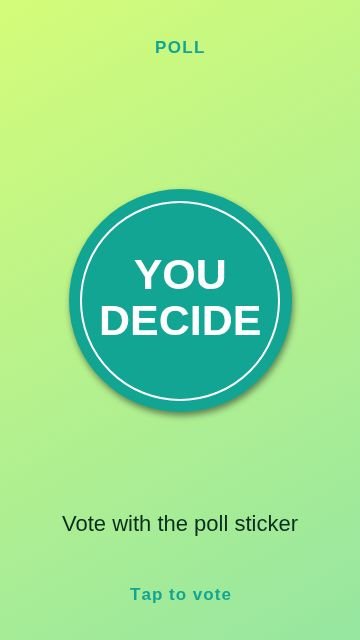 Circle badgePoll
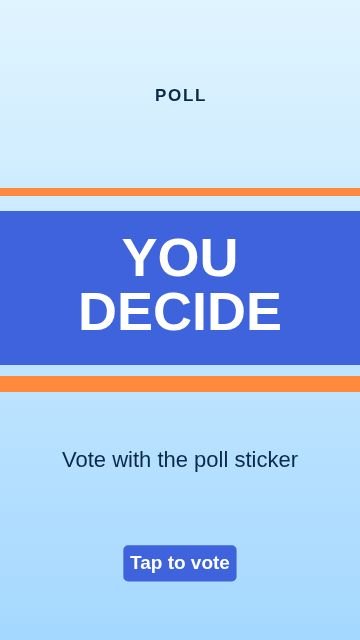 StripesPoll
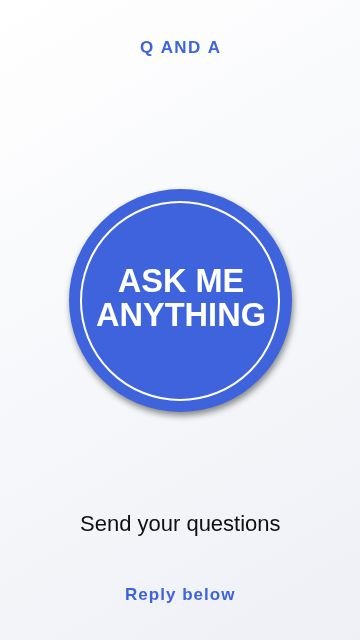 Circle badgeAsk me
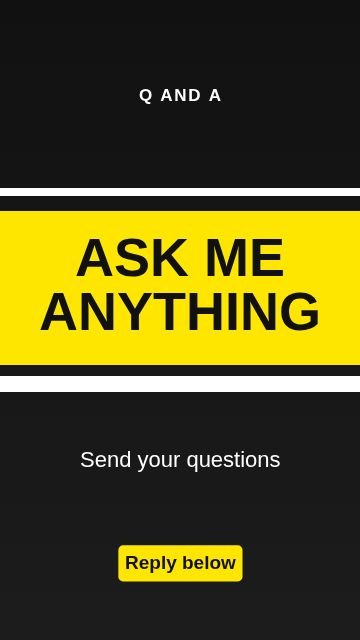 StripesAsk me
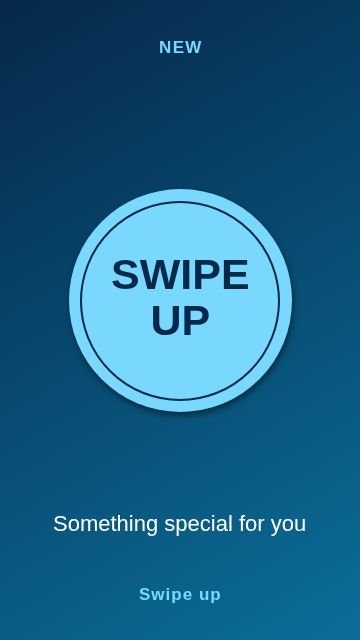 Circle badgeSwipe up
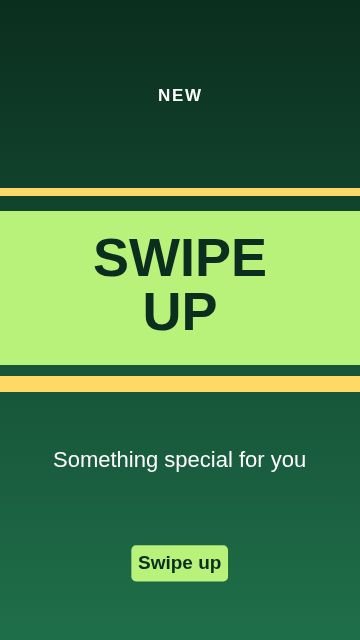 StripesSwipe up
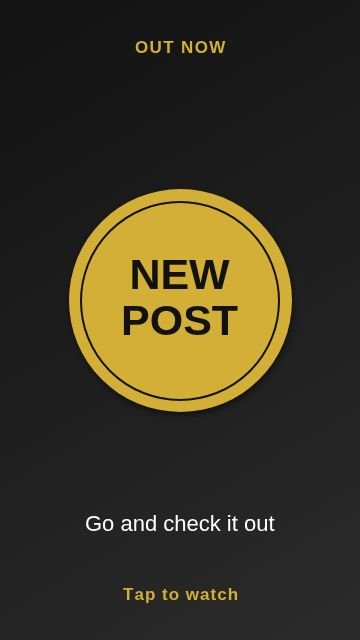 Circle badgeNew post
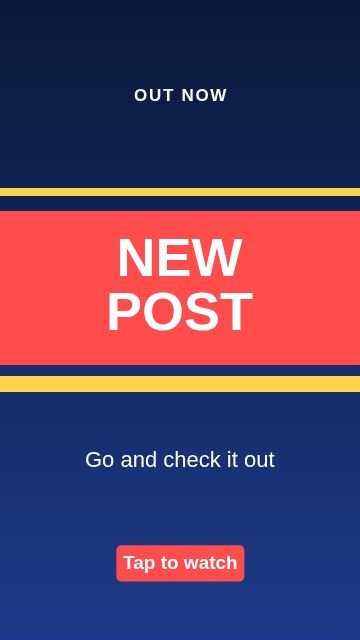 StripesNew post
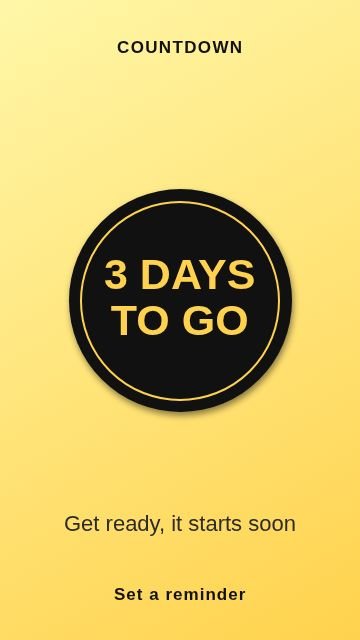 Circle badgeCountdown
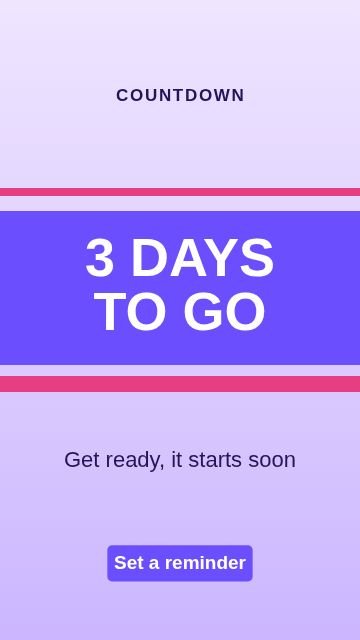 StripesCountdown
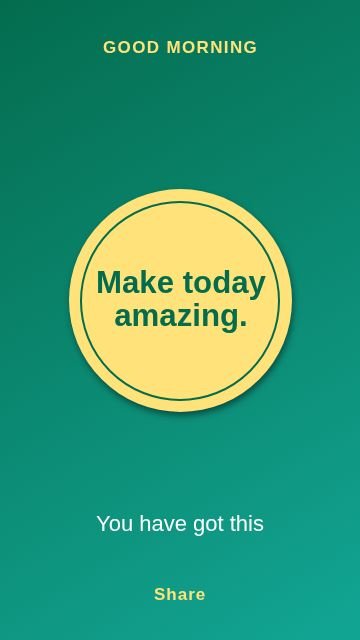 Circle badgeQuote
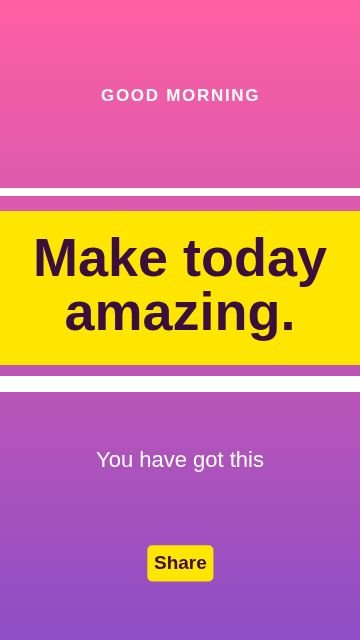 StripesQuote
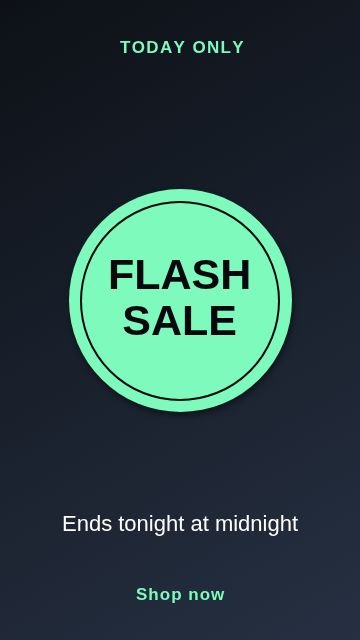 Circle badgeSale
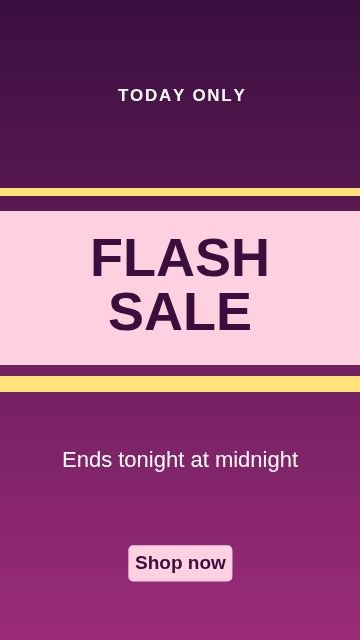 StripesSale
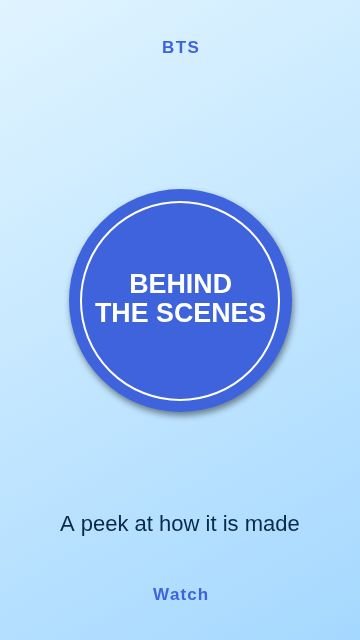 Circle badgeBehind the scenes
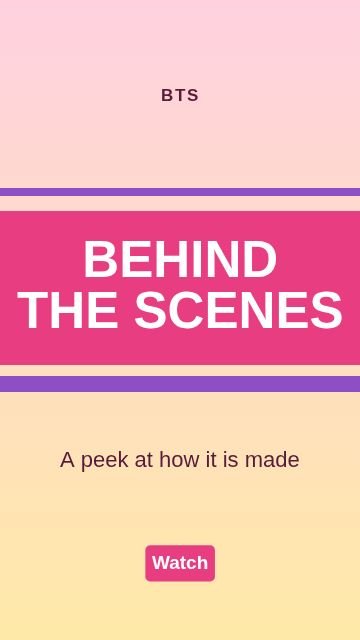 StripesBehind the scenes
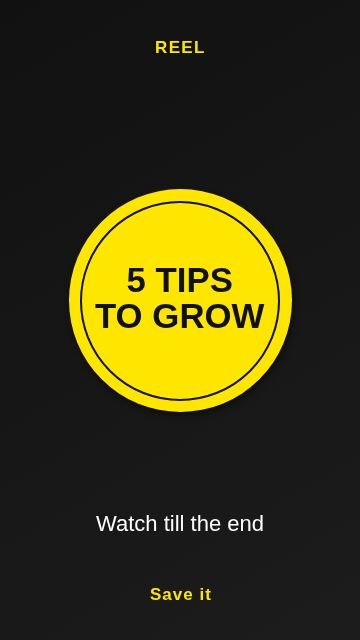 Circle badgeReel cover
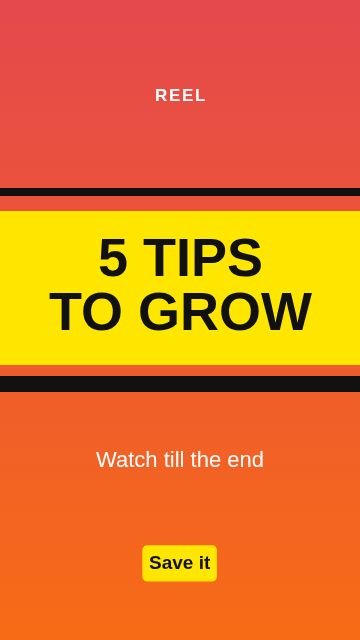 StripesReel cover
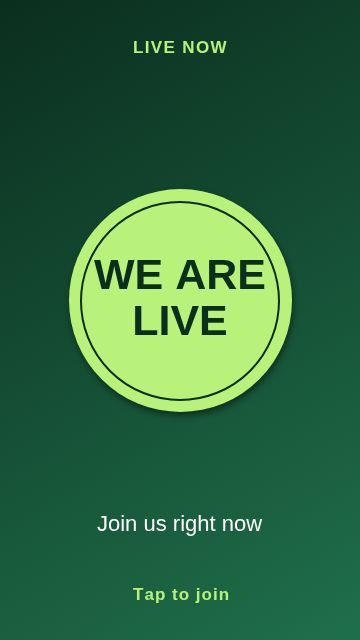 Circle badgeGoing live
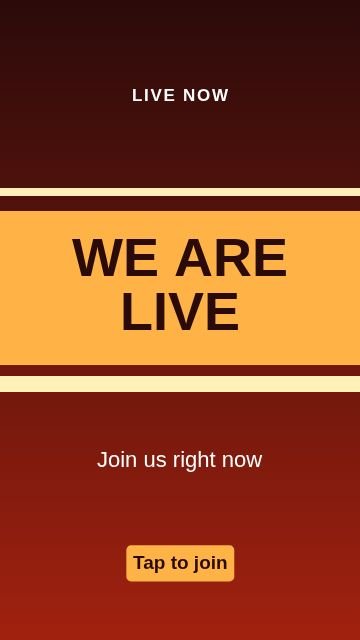 StripesGoing live
Topics inside
More kinds of templates
How to use a template
Pick a design
Tap any picture below, or browse all 100 with search and topics inside Nova Studio.
Change the words
It opens in Nova Studio at the right size. Tap any text to type your own words, and change the colours.
Add your photo or logo
Add a photo as a layer, move it behind the text and fit it. Everything stays editable.
Save and share
Tap Export to save the picture to your gallery, then post it or send it on WhatsApp.
Why use this tool
100 designs
10 topics in one place: Poll, Ask me, Swipe up, New post, Countdown, Quote and more.
Fully editable
Every template is made of normal layers: text, shapes and colours that you can change.
Fits the words
Long words are made smaller on their own so they always stay inside the picture.
Made for phones
Big buttons, no sign-up, and your design stays on your own device.
Tips for stories and reel covers
- Leave the top and bottom of the picture quiet. The app puts its own buttons there.
- Use big, short words. One line of 3 to 5 words is best.
- For a poll or a question, keep the middle free for the sticker.
- For a Reel cover, choose the Reel cover templates and put the main idea in the headline.
- Use the same two colours in every Story so people know it is yours.
Questions
What size is an Instagram Story?
Can I use these as Reel covers?
Where do the stickers go?
Are these Story templates free?
Do I need to sign up?
Can I change the words, colours and pictures?
Does it work on a phone?
More free tools
Nova Clip edits video, Nova Studio edits photos and Nova Animate makes cartoons. All free, in your browser.